56 5757
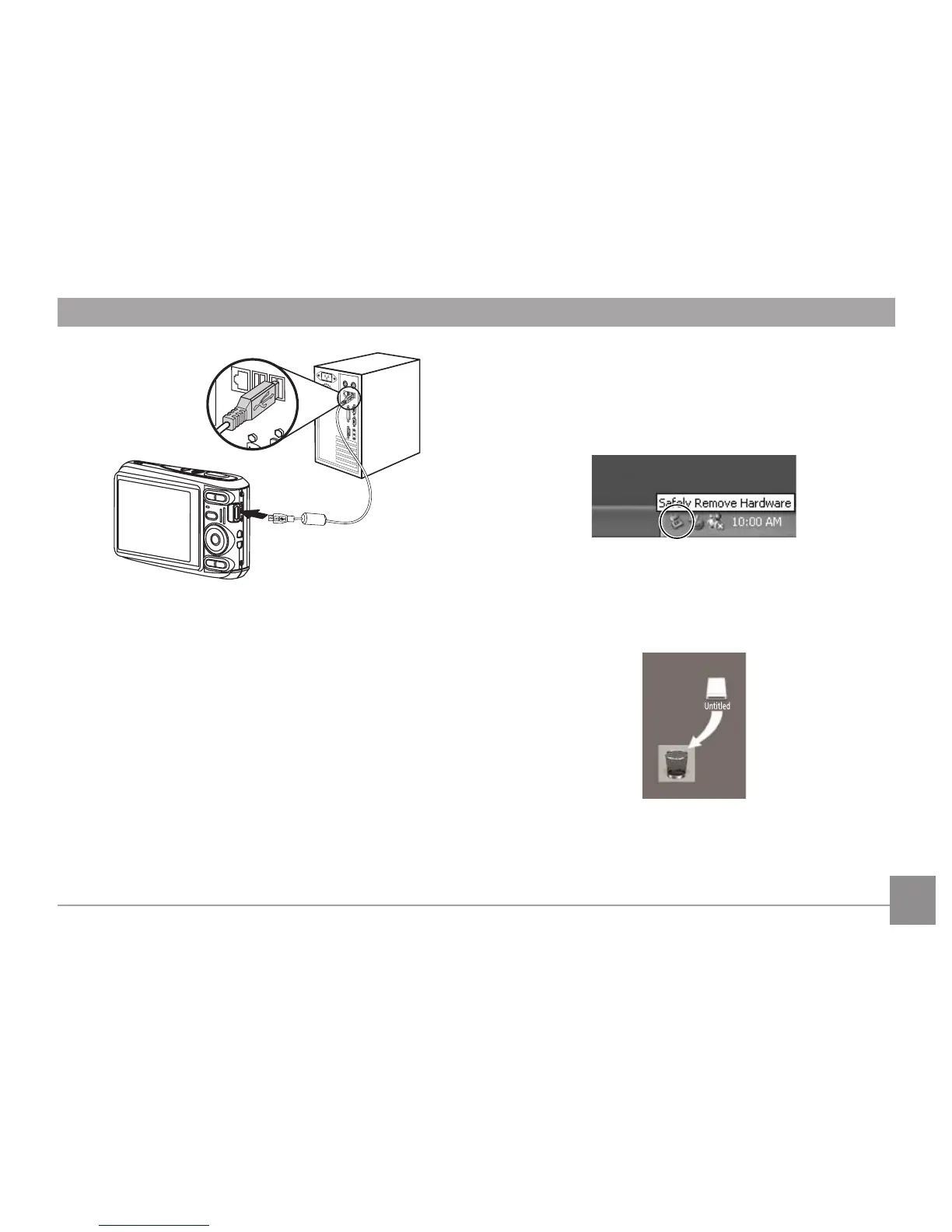
4. Setelah transfer selesai, lepaskan kabel.
Jika pilihan USB diatur ke [PC]:
Matikan kamera kemudian lepaskan kabel USB.
Sistem operasi Windows (Windows 2000, Windows XP,
Windows Vista, Windows 7).
Klik ikon [Safely remove the hardware] dan cabut konektor
USB seperti pada menu yang ditampilkan.
Macintosh
Tarik ikon tanpa nama ke Trash. ("Tanpa nama")



 To Next Page
 Loading...













