68 6968 69
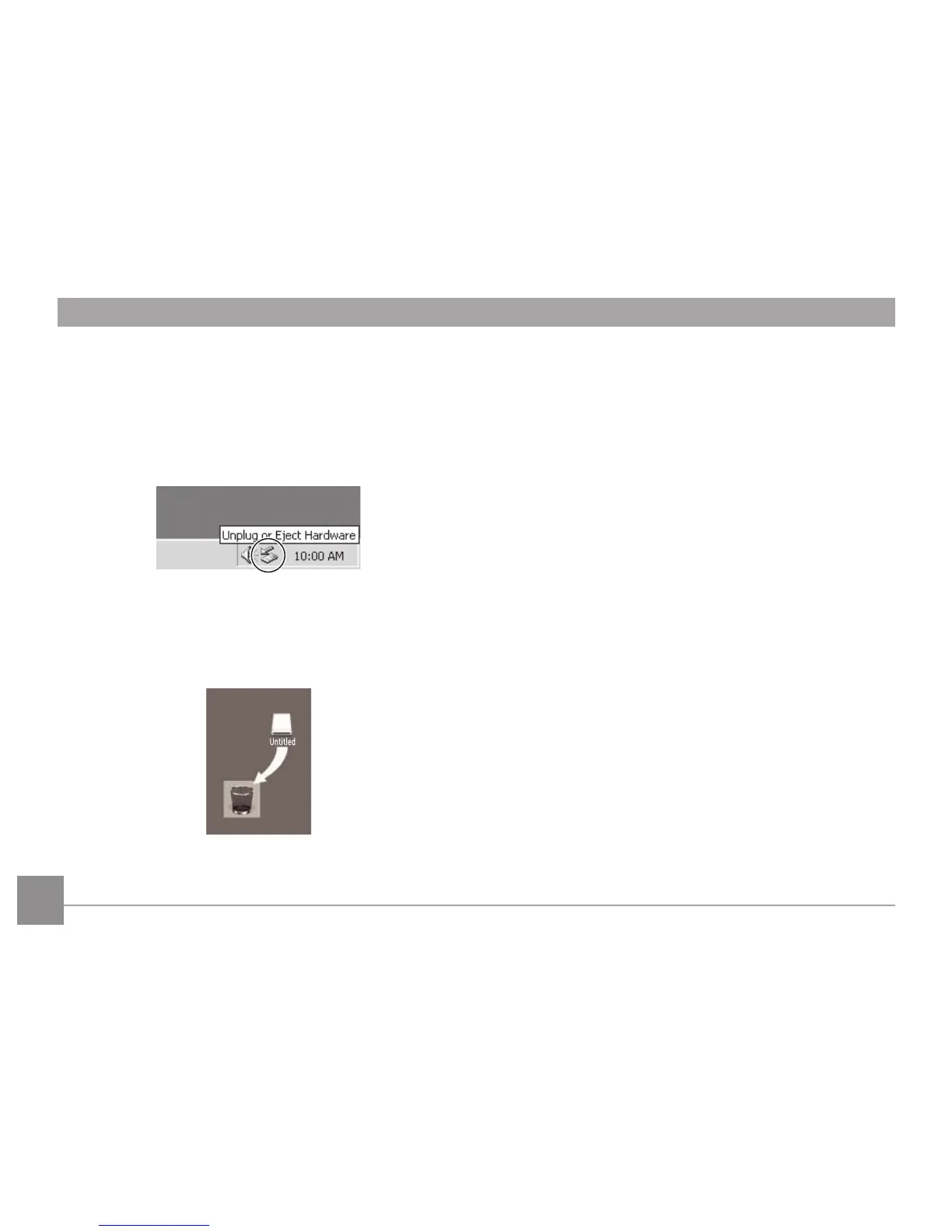
El sistema operativo Windows (Windows 2000, Windows
XP, Windows Vista, Windows 7.)
Haga clic en [Quitar hardware con seguridad el hardware]
icono y desconectar el conector USB de acuerdo con el
menú aparecido.
Macintosh
Arrastre el icono sin título a la papelera. ("Sin título")



 To Next Page