How to set
o delayed
start and
automatic
stop
you canset the oven control to delay-start theoven,
cook for a specificlength of time and then turn off
automatically.
Make sure the oven clock shows the correct time of
day.
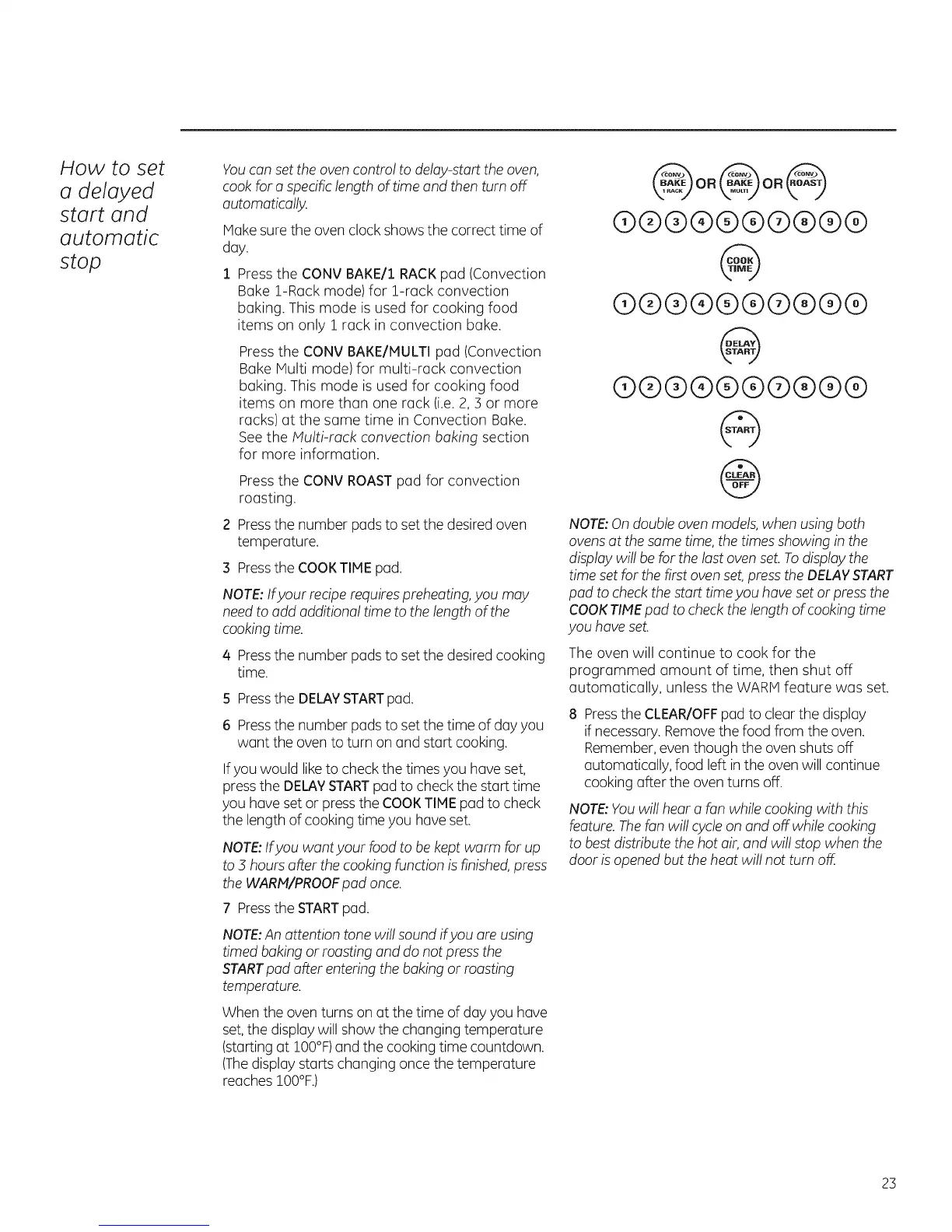
Pressthe CONV BAKE/1 RACKpad (Convection
Bake !-Rack mode) for !-rack convection
baking. This mode is used for cooking food
items on only 1 rack in convection bake.
Pressthe CONV BAKE/MULTI pad (Convection
Bake Multi mode) for multi-rack convection
baking. This mode is used for cooking food
items on more than one rack (i.e.2,3 or more
racks) at the same time in Convection Bake.
See the Multi-rack convection baking section
for more information.
Pressthe CONV ROASTpad for convection
roasting.
2 Pressthe number padsto setthe desired oven
temperature.
3 Pressthe COOKTIME pad.
NOTE:Ifyour recipe requirespreheating,you may
needto add additional time to the length of the
cooking time.
4 Pressthe number pads to setthe desired cooking
time.
5 Press the DELAY START pad.
6 Pressthe number pads to setthe time of day you
want the oven to turn on and start cooking.
If you would like to check the times you have set,
pressthe DELAYSTARTpad to check the start time
you have set or pressthe COOKTIME pad to check
the length of cooking time you haveset.
NOTE:Ifyou want your food to be kept warm for up
to 5 hours after the cooking function is finished press
the WARM/PROOF pad once.
7 Press the STARTpad.
NOTE:An attention tone will sound ifyou are using
timed baking or roasting and do not press the
START pad after entering the baking or roasting
temperature.
When the oven turns on at the time of day you have
set,the display will show the changing temperature
(startingat !00%) and the cooking time countdown.
(Thedisplay starts changing once the temperature
reaches !00%.)
@oo@oo@
®®@®®@®@®@
@
(9@@@@@@@@@
@
@@@(9@@@@@@
@
@
NOTE: On double oven models, when using both
ovens at the same time, the times showing in the
display will be for the last oven set. To display the
time set for the first oven set, press the DELAY START
pad to check the start time you have set or press the
COOK TIMEpad to check the length of cooking time
you have set.
The oven will continue to cook for the
programmed amount of time, then shut off
automatically, unless the WARM feature was set.
8 Pressthe CLEAR/OFFpad to clear the display
if necessary.Removethe food from the oven.
Remember,even though the oven shuts off
automatically, food left in the oven will continue
cooking after the oven turns off.
NOTE:Youwill hear a fan while cooking with this
feature. Thefan will cycleon and off while cooking
to bestdistribute the hot air, and will stop when the
door isopened but the heat will not turn off.
23


 To Next Page
 Loading...