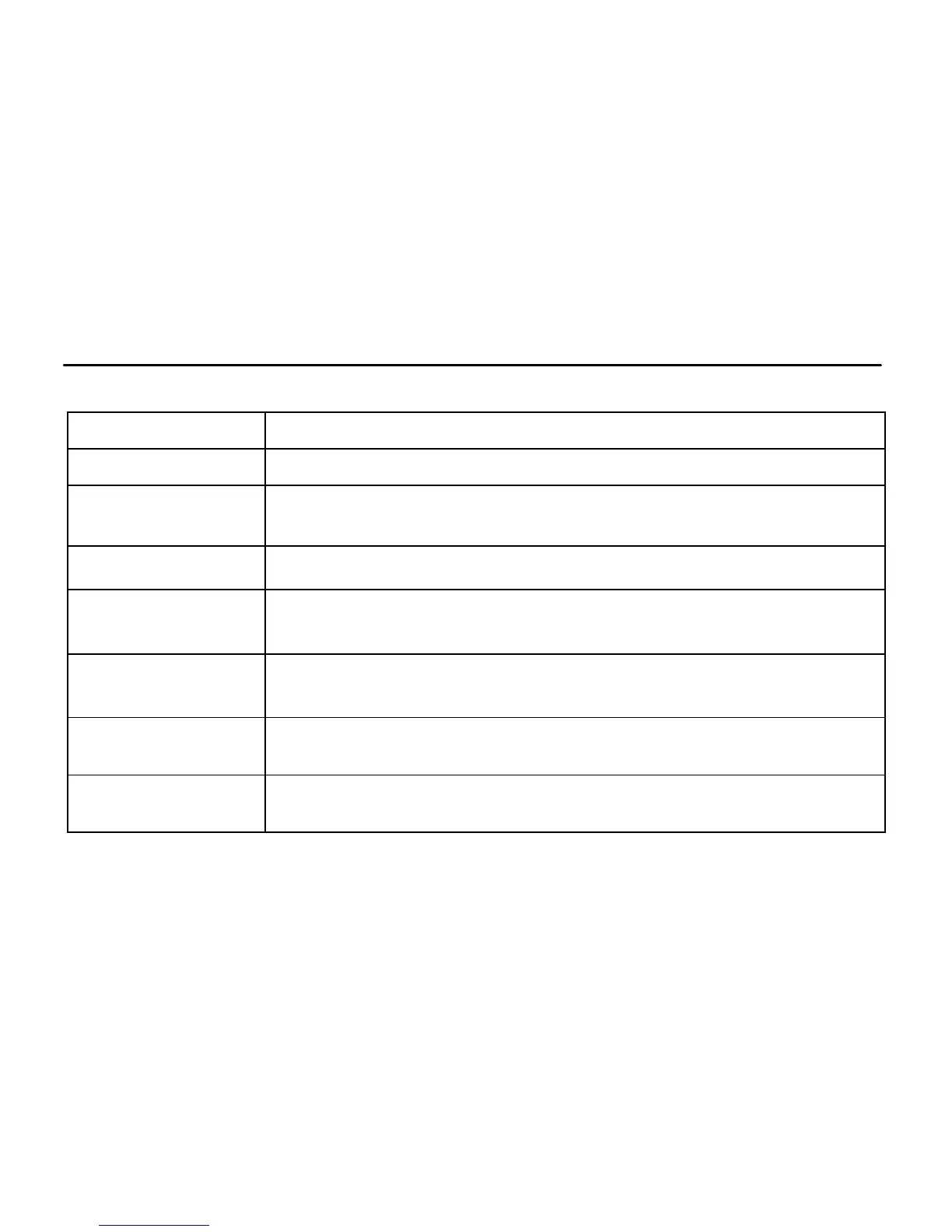
Key Functions and Indicators
Power On/Off; switch camera mode between video, photo and playback
Start/stop Video recording, take photo; play/stop playing video file (Playback
mode); menu confirmation
Open and exit from menu;Stop play video files (playback mode)
Digital zoom-in: select menu (after opening the menu); file page-up; pause
playing video (playback mode); Reverse quickly video (playback mode)
Digital zoom-out: select menu (after opening the menu); file page-down ;Fast
forward video (playback mode)
Indicator lights up in red during charging, and turns off after charging is
completed.
When the camera is busy (for example: during film recording, capturing,
automatic screen-off), the busy indicator will light.


 To Next Page
 Loading...