GEMBIRD EUROPE B.V. http://www.gembird.eu
All brands and logos are registered trademarks of their respective owners
DCAM-006
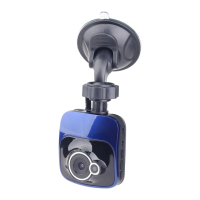
HD DUAL DASHCAM WITH NIGHTVISION
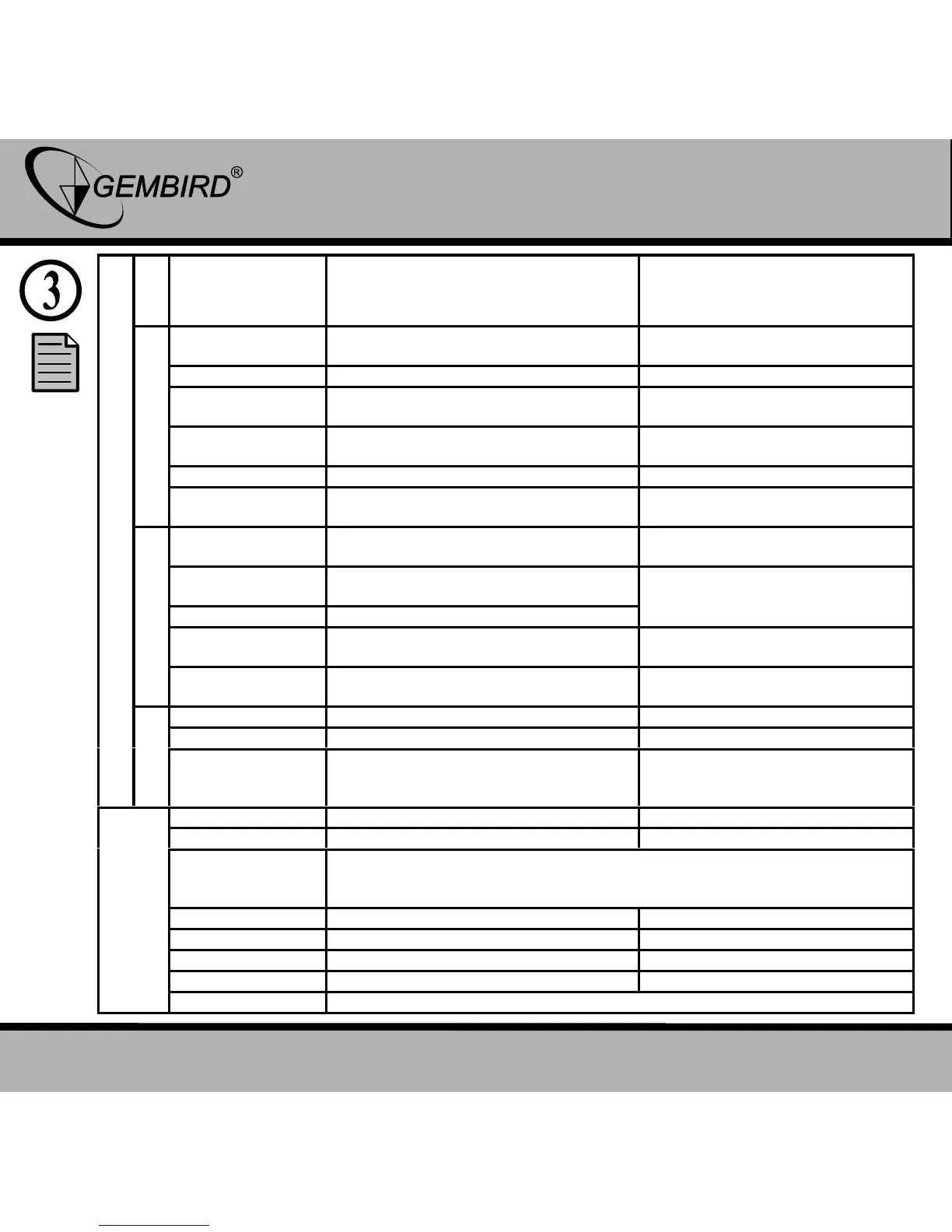
Dual Lens: 1920x720P/1280x400P
Single Lens: 1280x720P/720x480P
30 Sec / 1 Min / 1 Min 30 Sec
Video mode L+R /Video mode L /
Video mode R
Auto / Daylight / Cloudy / Tungsten /
Fluorescent
Dual Lens: 1920x720P/1280x400P
Single Lens: 1280x720P/720x480P
Like the greater the greater
number of files
Auto / Daylight / Cloudy / Tungsten /
Fluorescent
Can change the image effect
Single/ 2S Timer / 5S Timer /
10S Timer / Sequence
Automatically set the camera
and shooting a few pieces of
Video mode L+R /Video mode L /
Video mode R
Can change the camera mode
Delete current? / Delete all?
Lock One / Unlock One / Lock all /
Unlock all
English/German/French/Spanish/Italian/ Portuguese / Traditional
Chinese / Simplified Chinese / Japanese / Russian / Korean / Polish /
Dutch
Return menu settings to default
The machine’s current software version number



 To Next Page