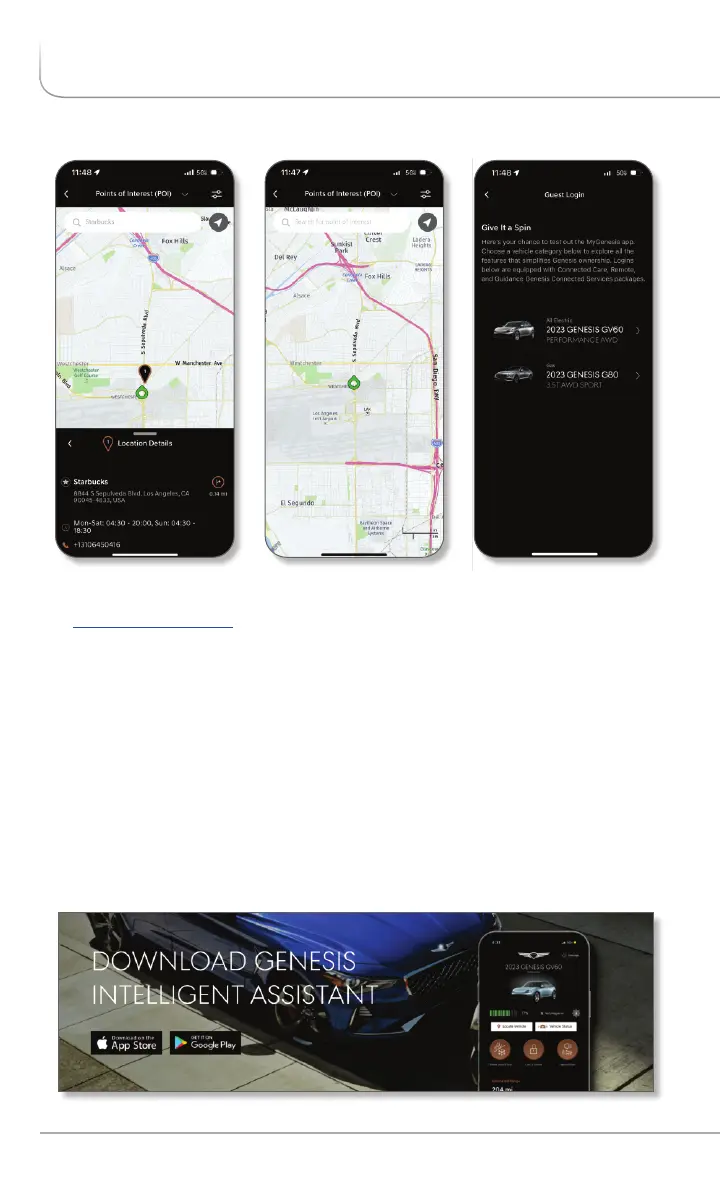
Genesis Intelligent Assistant App
• When you first launch the app, you will be prompted to log in with your
owners.genesis.com ID and password.
• After logging in, tap on the Genesis Connected Services icon on the
bottom of the screen for quick access to Remote Start and other
features.
• You will be required to input your Genesis Connected Services Identification
Number (PIN). See page 8 of this manual for PIN instructions.
• You will also be prompted to connect your calendar and other accounts
to enable the Intelligent Assistant to send you useful notifications based
on your preferences.
• You can always access the setup tutorial in the App Support section
found in the app Menu.
App images are subject to change without notice.
10 I Genesis Connected Services User’s Manual
ACCESSING GENESIS CONNECTED SERVICES FEATURES


 To Next Page
 Loading...