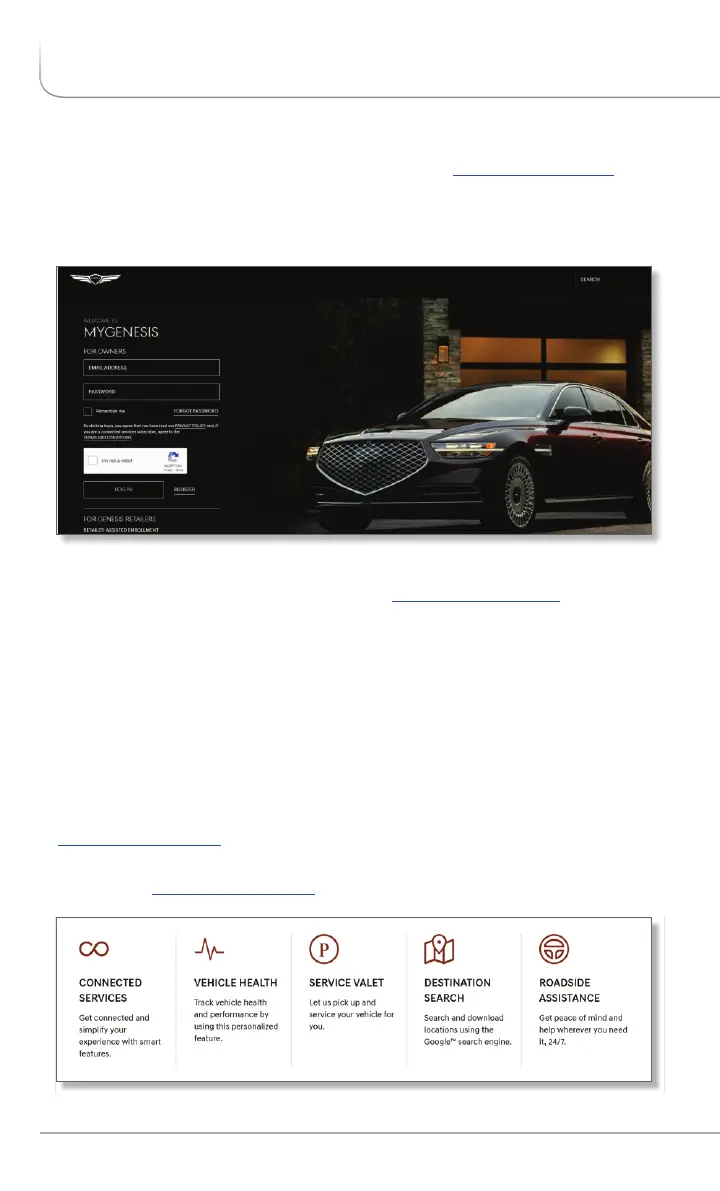
Enrollment begins with creating an account on , the owners.genesis.com
Genesis owner website that you can use to access your Genesis
Connected Services preferences as well as a number of other ownership
tools.
You can do this at your Genesis retailer or at home.
If you have not done so already, go to and select owners.genesis.com
‘register’.
On the REGISTRATION screen, you will provide basic information about
you and your vehicle that will be automatically populated into your
Genesis Connected Services Enrollment and Preferences screens. Please
note that you will need your Vehicle Identification Number (VIN) to
complete this step.
After the enrollment process, you can learn about all the Genesis
Connected Services features and the associated packages at
owners.genesis.com , and try them during your free trial periods. In order
to set up feature preferences, log on to your Genesis Connected Services
account on owners.genesis.com.
ENROLLING IN GENESIS CONNECTED SERVICES
*Only available on models equipped with factory-install navigation system.
4 I Genesis Connected Services User’s Manual


 To Next Page
 Loading...