10
Remove batteries
Follow these steps to remove the batteries.
1. Remove the battery cover.
2. Remove the batteries.
3. Replace the battery compartment cover.
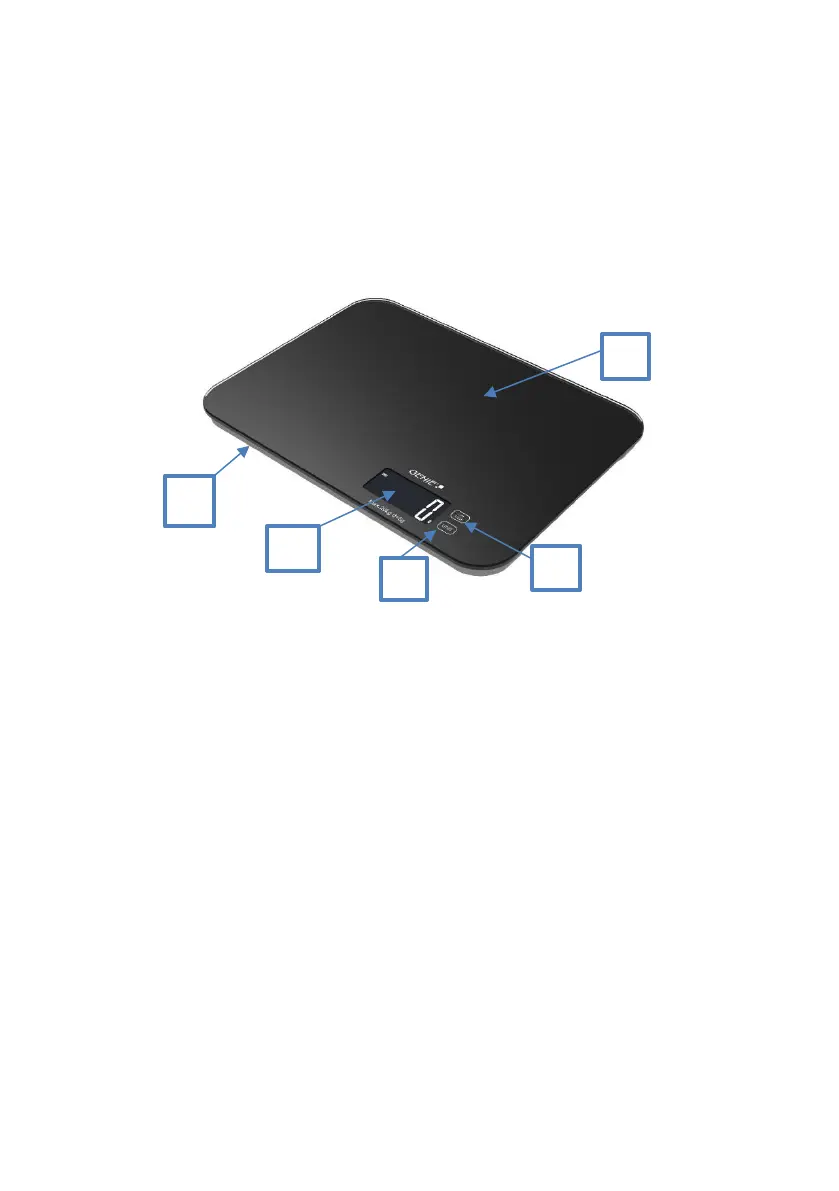
Part and Key Description
Operation
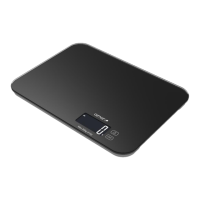
Activating the Scale
1. Place the scale on the fixed and horizontal plane.
2. Press the scale with light pressure. Wait until the display shows "0".
3. After use, the scale can be switched off by keeping the "OFF/TARE" key pressed.
However, the scale will turn off automatically if no key is pressed within 60 seconds.
Weighing an Item
1. Switch on the scale as described above.
2. Place the object to be weighed on the glass plate. The exact weight is
determined.


 To Next Page