English
English
English
English
-
6
-
Starting
Starting
Starting
Starting the
the
the
the DVR
DVR
DVR
DVR
1. After the DVR is connect ed to the charger, it will start to record automatically in v ideo mode when the car
start s. (Micro SD card must be inserted before you can use the DVR )
2. When recording, the elapse time will appear on the bottom right of the LCD screen.
3. Press Record / Shutter button again to stop recording.
4. Press the Mode button to select the camera mode ( ) .
5. Press Record / Shutter button fully down to capture an image.
6.
Y
ou can press Mode Button to review the images or movie s and playback the movie using the shutter
button .
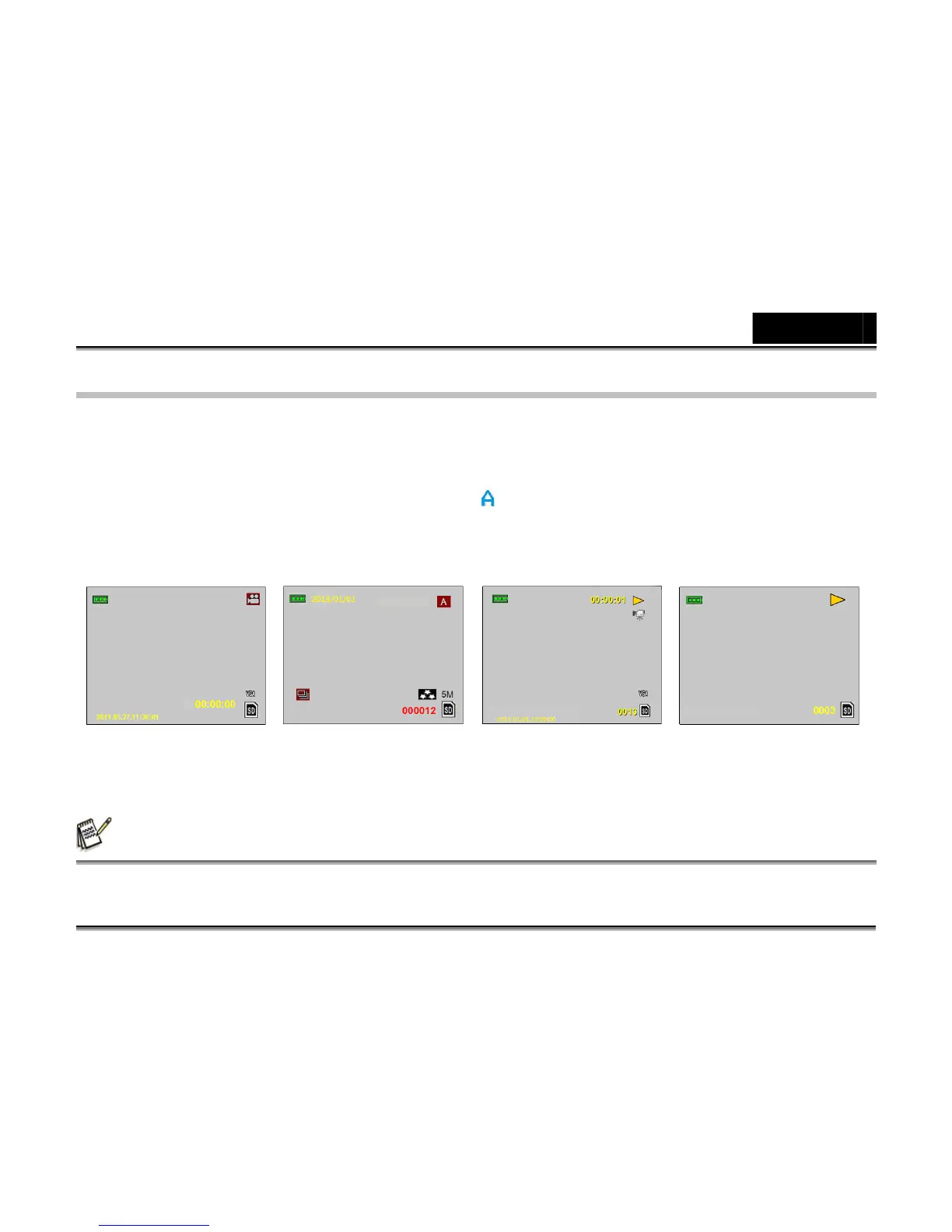
Video mode Camera mode Playback mode Playback mode
for Videos for Photos
NOTE
NOTE
NOTE
NOTE
For outside use, hold the DVR with both hands and position a subject in the center of the frame to focus on.



 To Next Page