English
English
English
English
-
3
-
GETTING
GETTING
GETTING
GETTING STARTED
STARTED
STARTED
STARTED
Insert
Insert
Insert
Insert a
a
a
a Micro
Micro
Micro
Micro SD
SD
SD
SD memory
memory
memory
memory Card
Card
Card
Card
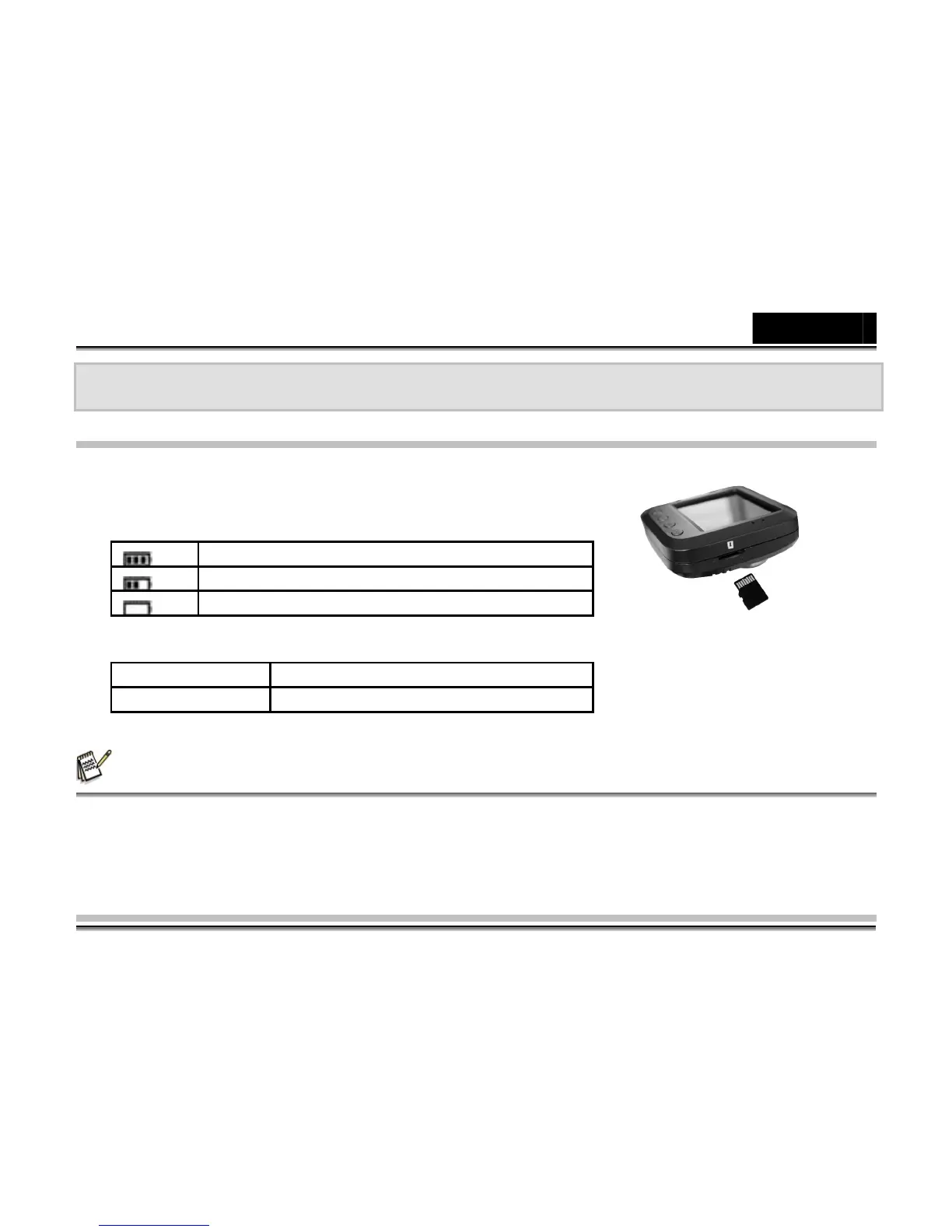
1. Insert the Micro SD card into the SD card slot (pg. 1 # 17 ) .
Battery
Indicator Led
NOTE
NOTE
NOTE
NOTE
1. T here is no internal memory , you need to insert a Micro SD card and be sure to format the Micro SD card
with the DVR-53 5 before your first use the Micro SD card in this camcorder.
2. For the Micro SD card , you need to use Class 6 or higher, and you need to format the Micro SD card
before using it.
Full battery
Medium battery
Low battery
Blue light Power on
Red light Charging



 To Next Page