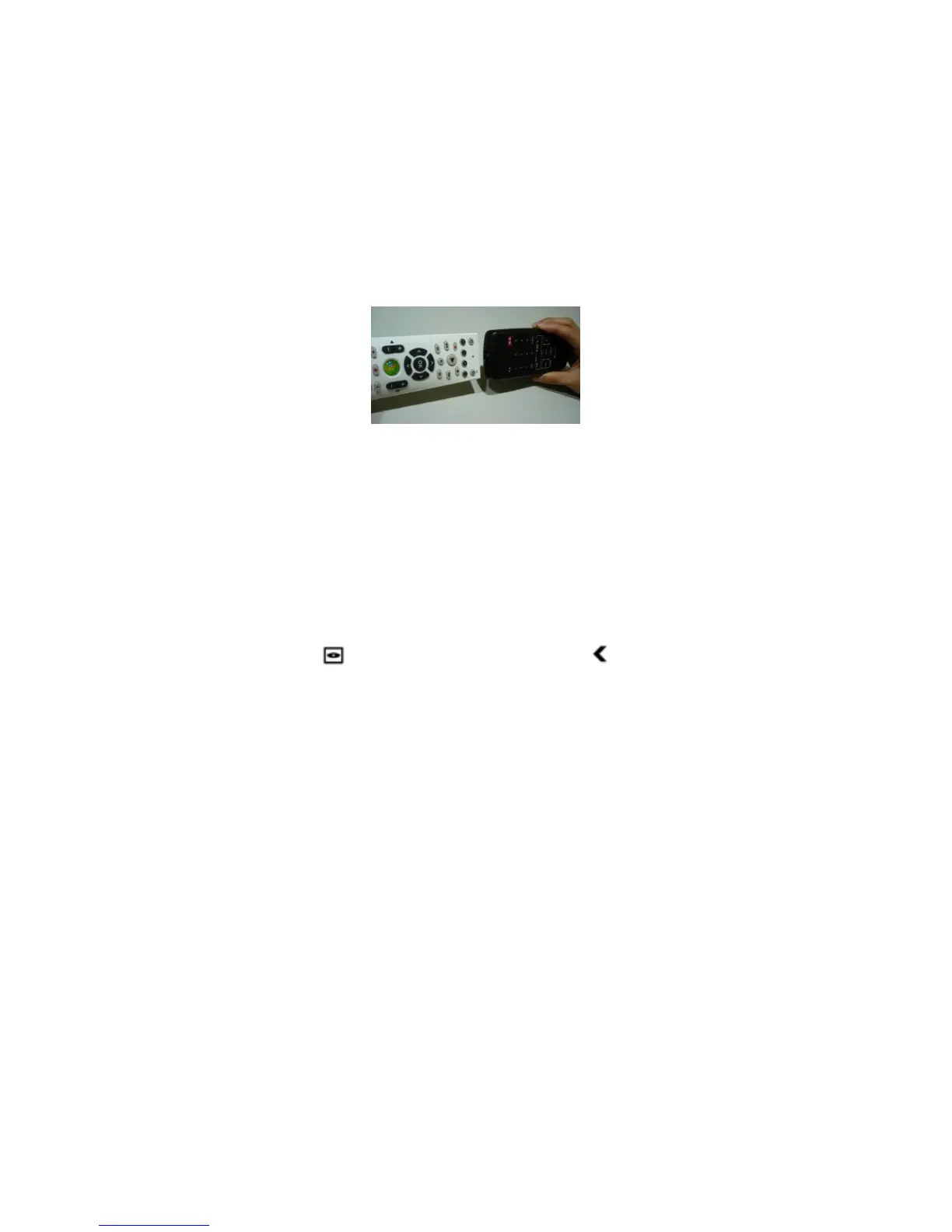
3. Perform a head to head learning (about a 5cm gap) as shown below.
Press the button on the other remote you want to learn for 2 seconds. If
you succeed, the indicator will blink a green light twice. If you failed, the
indicator will blink a red light four times. Step 3 must be completed within
five seconds once you press the button you want to learn.
4. If you want to learn another button, repeat Step 2 and 3.
How to delete old learning?
1. Press a mode button you want to restore (TV, AV or AUX).
2. Hold DVD MENU first and press LEFT button , the indicator will turn
green. Press OK in five seconds to confirm the delete. If you succeed, the
indicator will blink a green light twice slowly. If you failed, the indicator will
blink a red light four times quickly.
3. The buttons learned in the mode you chose to delete will all be deleted.



 To Next Page