35
English
Battery management
When the unit is powered by the batteries, a battery-
shaped icon shown in the upper left corner of the
screen displays their charge status. If the battery-
shaped icon is empty, the unit will display the “Discharged
battery” window and switch off automatically in a few min-
utes.
When the unit is on and connected to the battery charger,
during the charging phase the icon shows the increase of the
battery charge levels. As soon as the charge is completed, the
screen will display the “Charge completed” window. If, dur-
ing operation, the battery is fully recharged and the unit is
still connected to the battery charger, no battery-shaped icon
will be displayed, the battery charger automatically disabled
and the unit still operated by the battery charger.
To increase the life of the battery charge, it is possible to set
the automatic switching off of the backlight and screen by
selecting SETUP, and then BATTERY SAVING.
If no unit’s key is pressed during the time interval set, the
backlight and screen will switch off automatically. As soon as
any key is pressed, the unit will automatically switch on again.
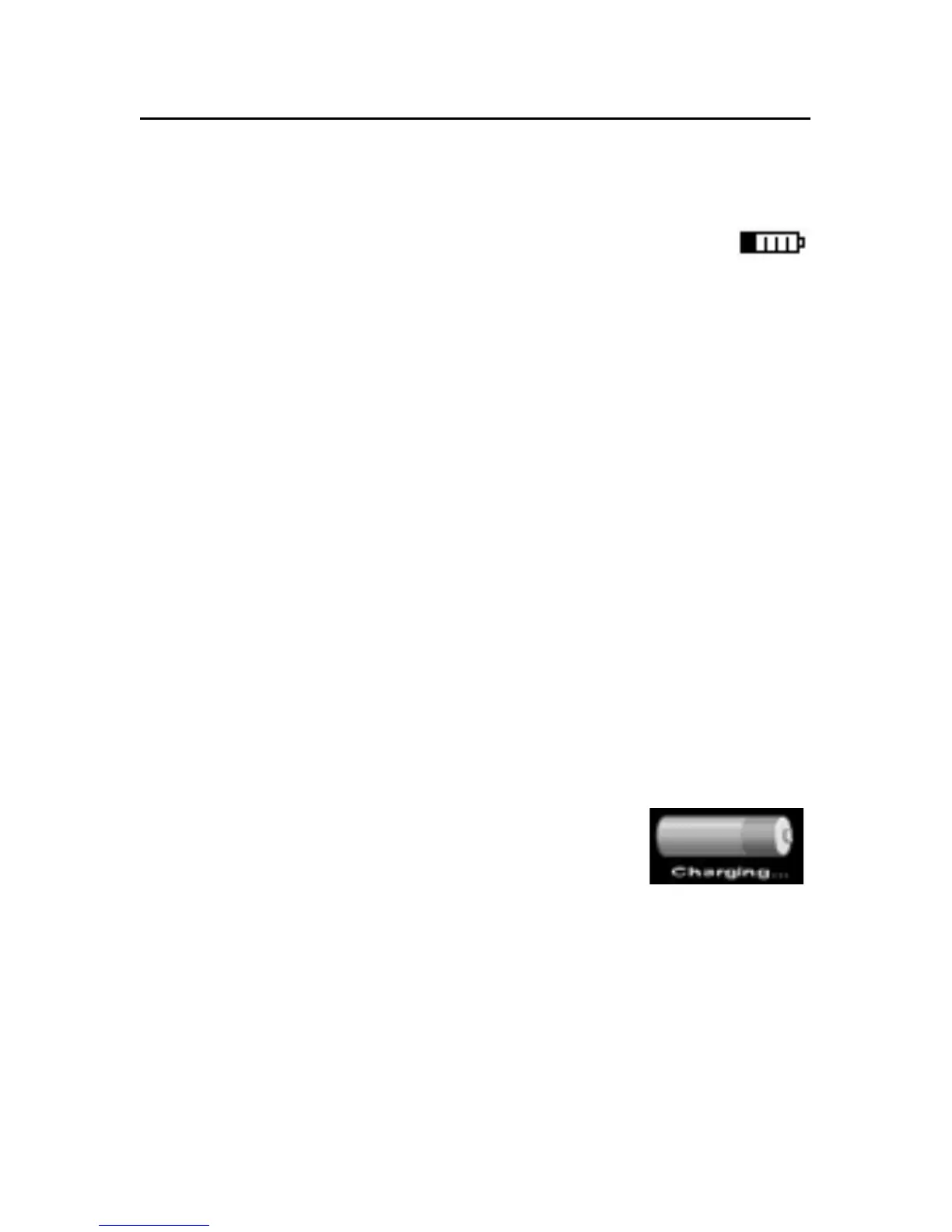
The battery charger can be connected even to
the switched-off unit. In this case, the unit
will show the battery charging level and the
current battery status (“Charging...” or “Charge
completed”).
Keyboard lock
To lock the keyboard, press the “+” and “-” keys simultaneously.
To restore the keyboard operation, press again the “+” and “-”
keys.
Anchor alarm
This function allows generating an anchor alarm message that



 To Next Page