38
English
Getting Started
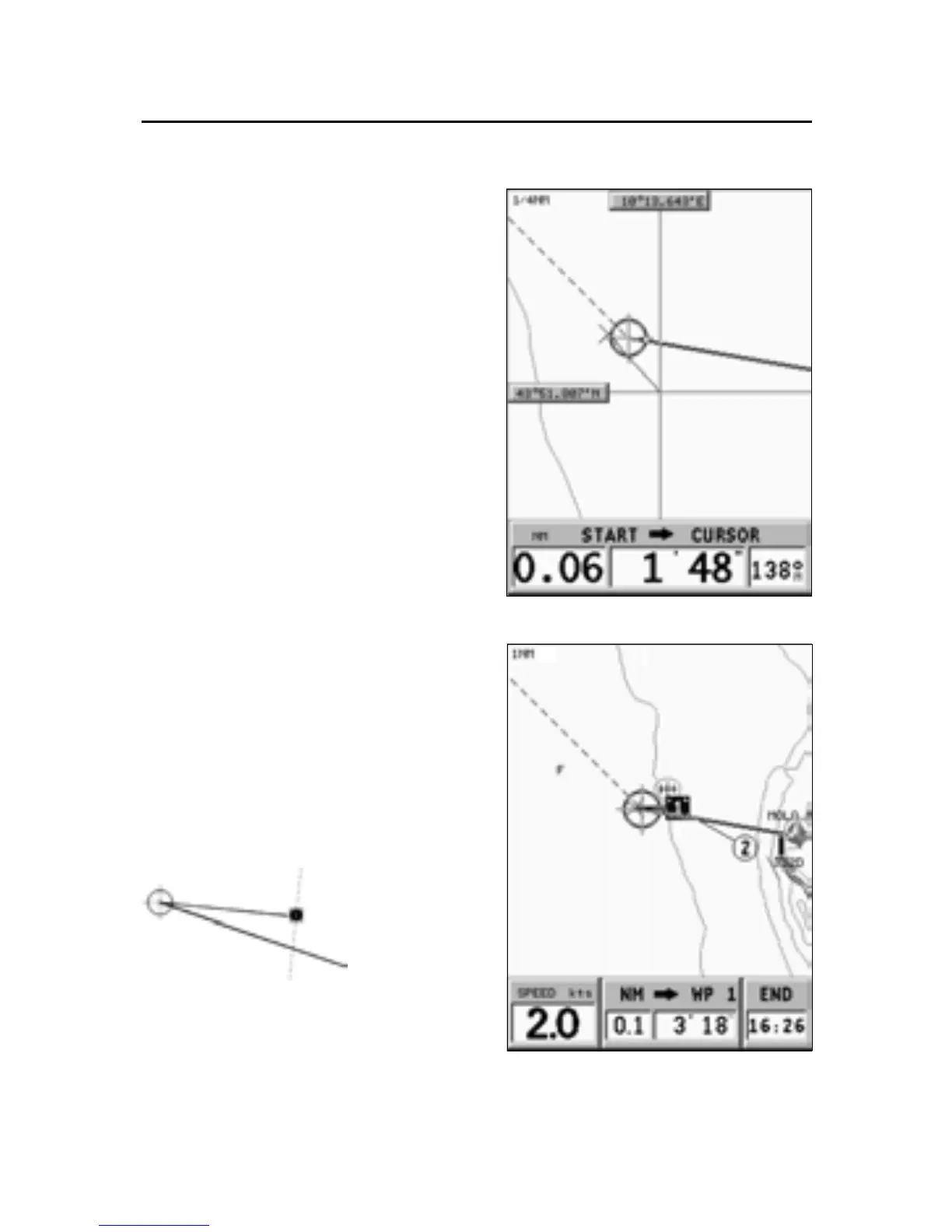
The info windows show the dis-
tance, bearing and time to reach
the cursor’s position at the cur-
rent speed. To plot a route start-
ing from the boat’s position, move
the cursor to the position desired,
and press ENTER to insert a
waypoint at the cursor’s position.
A square with a circle contain-
ing the number 1 will show.
The info windows show the
speed, time to reach the target
waypoint, distance and time to
arrive at destination.
Press the PAGE/EXIT key to go back
to Navigation mode. To add more
waypoints, move the joystick and
repeat the operations described
above.
NOTE: The time necessary to reach the tar-
get waypoint is calculated according to the
time to reach the perpendicular to the route
segment.



 To Next Page