42
English
NAVIGATION WINDOW
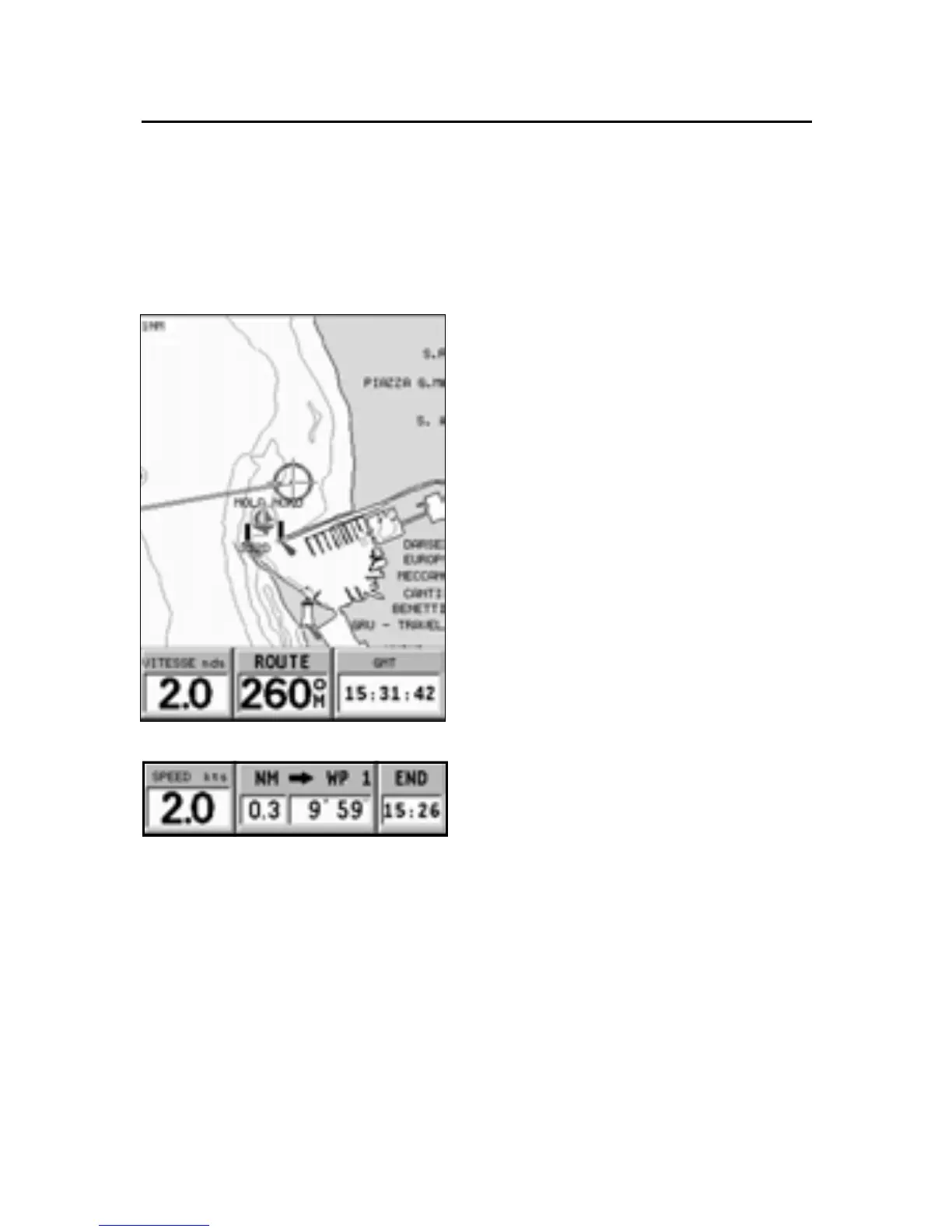
This window is activated automatically as soon as the GPS
receiver has obtained the boat’s position (FIX OK).
If no route is present, speed,
course and time (local time or
GMT, according to the option
selected in the Setup menu) are
displayed at the bottom of the
screen.
By using the ZOOM key, the chart
range can be changed, thus ac-
cessing NAVIONICS chart data.
If a route is present, the follow-
ing data are displayed:
• Boat’s speed
• Distance from the target
waypoint
• Estimated time of arrival at
the target waypoint
• Time of arrival at the last
waypoint
Navigation Window



 To Next Page