54
English
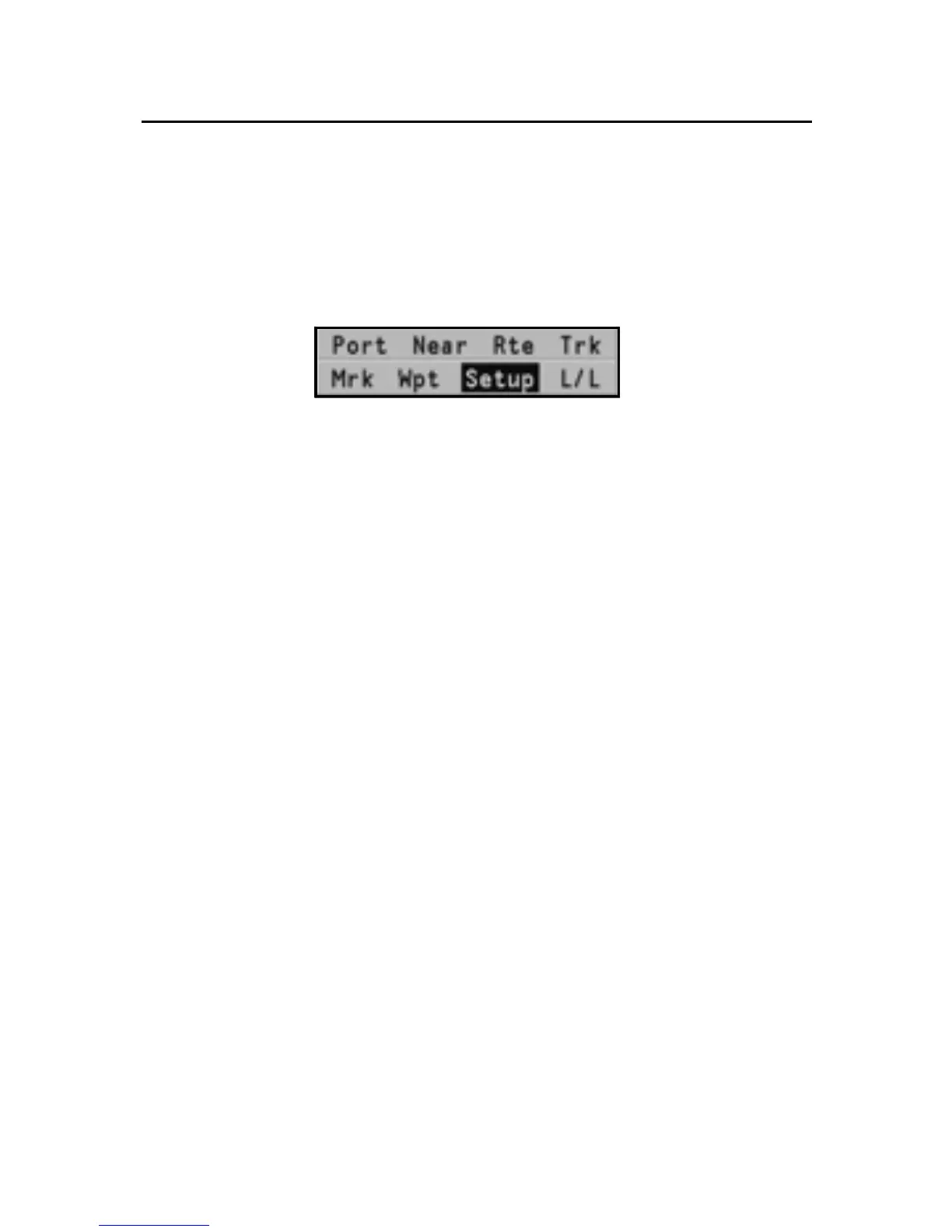
MAIN MENU
The menu bar, displayed at the top of the screen, allows selecting
from the following options:
TRACK: To activate/deactivate the track function and to save,
recall and delete the track saved.
ROUTE: To delete, reverse, store, recall a route and display
route information.
MARK: To delete, store and recall markers.
SETUP: To activate/deactivate the unit’s setup.
GOTO PORT: To plan a route to a selected port.
GOTO NEAREST: To plan a route to the nearest port service.
GOTO LAT/LON: To plan a route to a known geographical posi-
tion.
GOTO WPT: To plan a route to a specific waypoint (function avail-
able in Navigation mode only).
INFO: To display the information relative to the waypoint pointed
to by the manual cursor (function available in Cursor mode
only).
NOTE: The majority of menu items, once selected, show a series of submenus. Use
the joystick to move from one menu to another and press ENTER to choose one of
the items.
Main Menu



 To Next Page