82
English
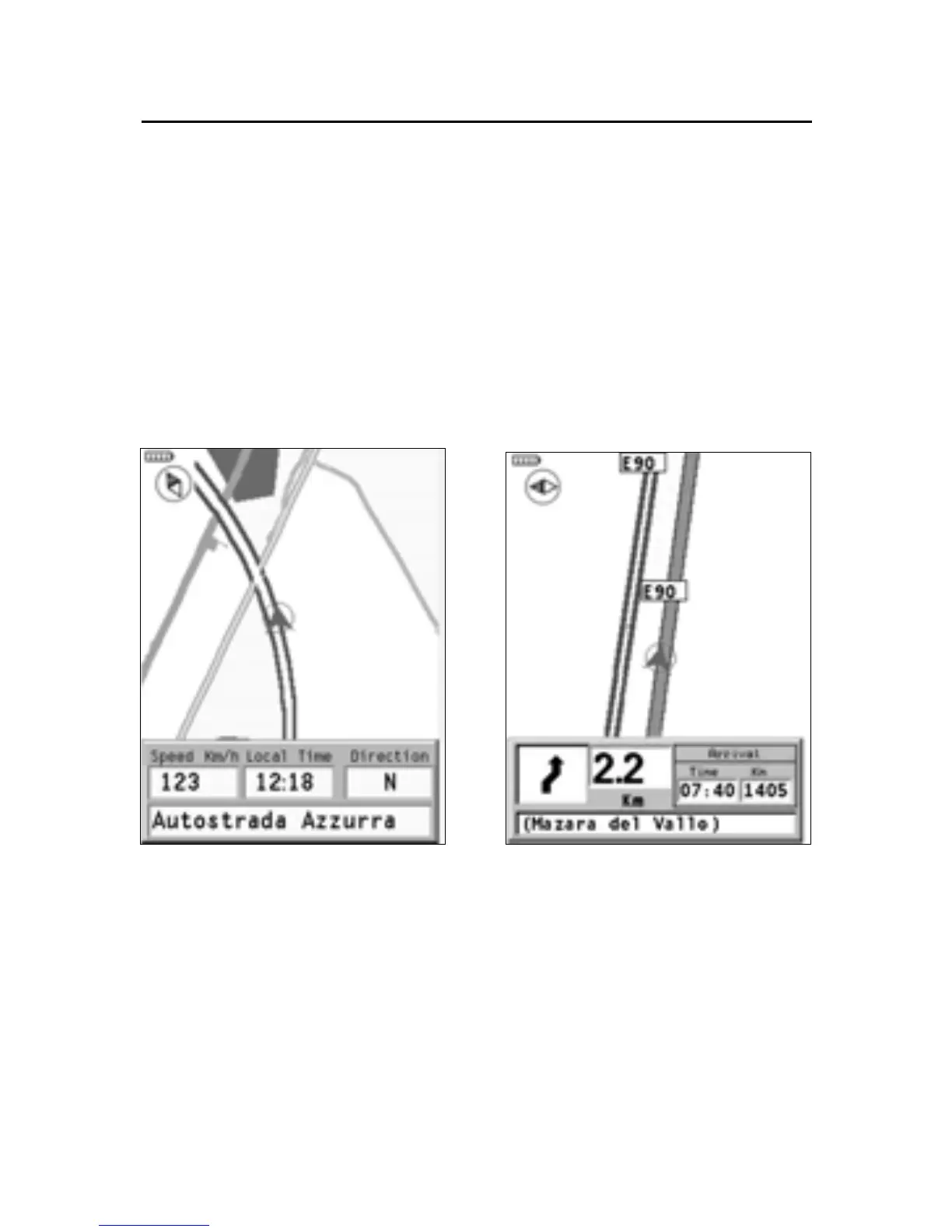
NAVIGATION WINDOW
The navigation window is enabled from the Setup menu by
means of the joystick.
This window is available provided that a position is present
and looks differently, depending on whether a destination
has been previously set.
North direction
A small compass displayed at the upper left-hand corner of
the screen, below the battery icon, indicates the current map
orientation.
Navigation Window
Without destination
With destination



 To Next Page