Sending at a Specific Time (Send Later)
5
1
J
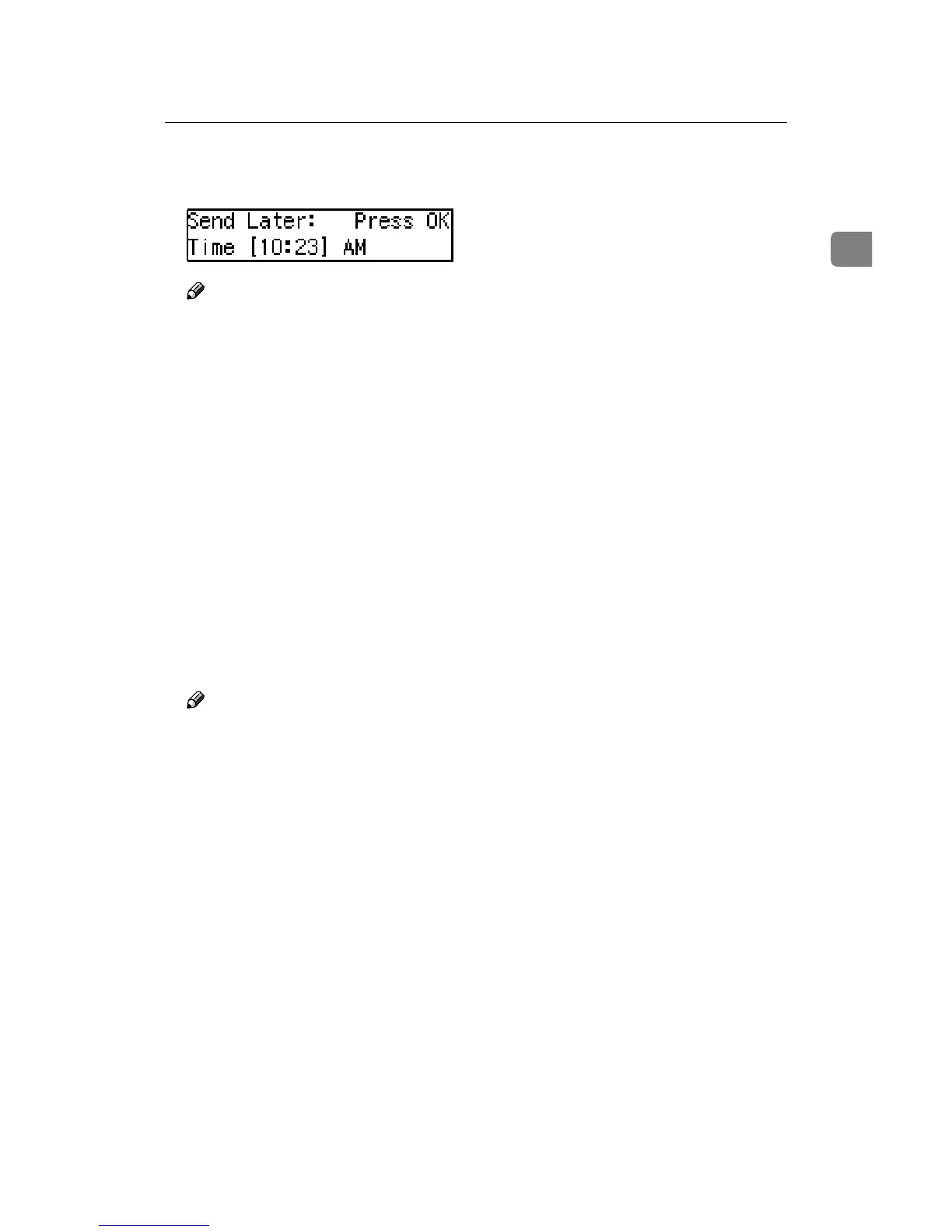
Enter the time that you want to
send the fax message.
Note
❒ When entering numbers small-
er than 10, add a leading zero.
❒ If you make a mistake, press the
{Clear/Stop} key and try again.
❒ If the current time shown on the
display is not correct, change it.
See P.51 “Setting the Date and
Time”.
K
Press the {
{{
{OK}
}}
} key.
The specified time is set.
L
Specify the destination.
If you want to specify another des-
tination, press the {OK} key and re-
peat step J.
M
Press the {
{{
{Start}
}}
} key.
Note
❒ You can cancel a message trans-
mission set up for Send Later.
See P.15 “Canceling Transmission
or Reception”.



 To Next Page