Transmission Options
12
1
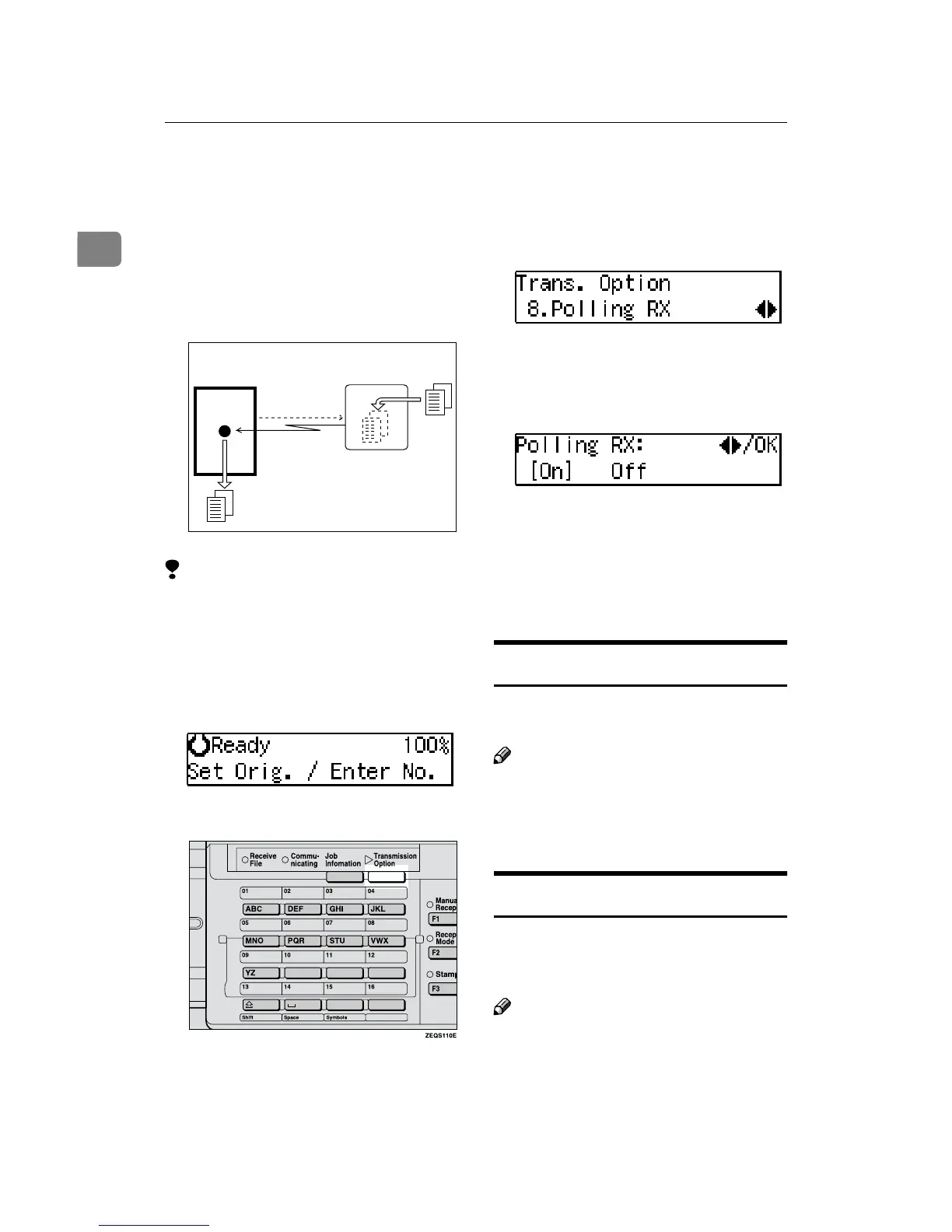
Polling Reception
Use this function if you want to poll a
message from another terminal. You
can also poll documents from many
terminals with only one operation
(use Groups to fully exploit this fea-
ture).
Limitation
❒ Polling Reception requires that the
other machine can perform Polling
Transmission.
A
Make sure that the machine is in
Facsimile mode and the standby
display is shown.
B
Press the {
{{
{Transmission Option}
}}
} key.
C
Press 0
00
0 or 1
11
1 until "8. Polling RX"
is displayed.
D
Press the {
{{
{OK}
}}
} key.
E
Press 0
00
0 or 1
11
1 to select "On" or
"Off".
F
Press the {
{{
{OK}
}}
} key.
G
Specify the other party's fax
number.
H
Press the {
{{
{Start}
}}
} key.
File Reserve Report
This report is printed after Polling Re-
ception has been set up.
Note
❒ By default, this report is turned off.
Turn it on with the User Parame-
ters. See P.72 “User Parameters”
(Switch03, Bit3).
Communication Result Report
This report is printed after a Polling Re-
ception has been completed and shows
the result of the Polling Reception.
Note
❒ You can also check the result of a
Polling Reception with the Journal.
❒ By default, this report is turned on.
Turn it off with the User Parame-
ters. See P.72 “User Parameters”
(Switch03, Bit4).
Transmission
Request
Receiver
(This machine)
Sender
ND1X01E8


 To Next Page
 Loading...
