On Hook Dial
25
3
On Hook Dial
This is just like using the external tel-
ephone, except you do not have to
pick up the external telephone before
dialing. Just press the {On Hook Dial}
key and dial the number. If you hear
a voice, you can pick up the external
telephone and speak with the other
party.
Reference
See Chapter 4 “Adjusting Volume”
in the Basic Features manual.
A
Set your original and select any
scan settings you require.
Reference
See Chapter 2 “Setting Origi-
nals” in the Basic Features man-
ual.
See Chapter 2 “Scan Settings” in
the Basic Features manual.
B
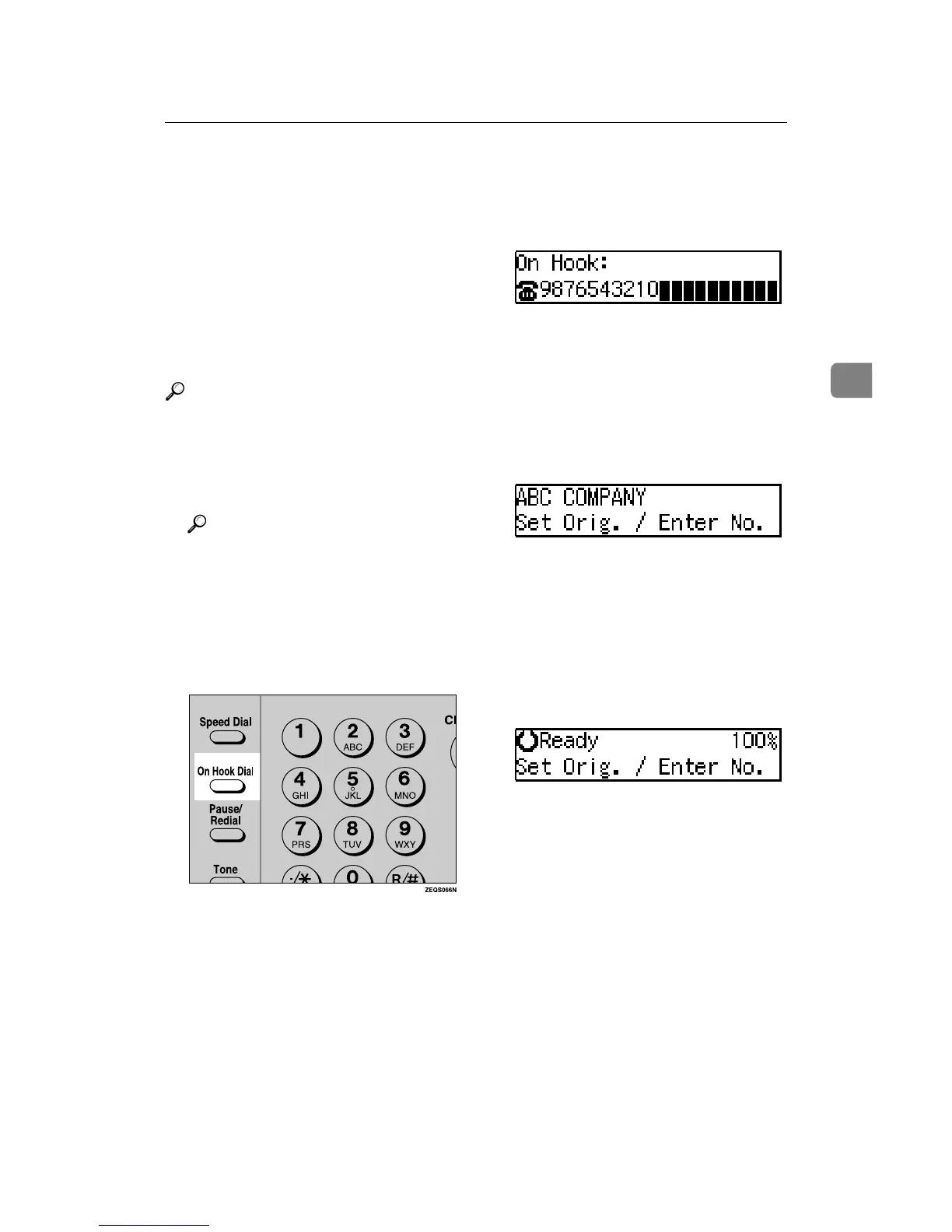
Press the {
{{
{On Hook Dial}
}}
} key.
You will hear a low tone from the
internal speaker. If you wish to
cancel this operation, press the {On
Hook Dial} key again.
C
Dial.
The machine immediately dials the
destination. If you make a mistake,
press the {On Hook Dial} and return
to step B.
D
When the line is connected and
you hear a high-pitched tone,
press the {
{{
{Start}
}}
} key.
• If you hear a voice, pick up the
external telephone before you
press the {Start} key and notify
the destination that you want to
send a fax message (ask them to
switch to Facsimile mode).
• After transmission the machine
will return to standby mode.


 To Next Page
 Loading...
