Transmission Features
28
3
SEP Code
Normally you can only use Polling
Reception to receive faxes from ma-
chines that have the Polling Recep-
tion feature of the same make.
However, if the other machine of an-
other make supports a polling recep-
tion, you can receive fax messages
from the other party using this meth-
od instead.
Preparation
You need to assign the Dial Option
feature to a User Function key be-
forehand. See P.47 “Assigning User
Function Keys”.
Note
❒ The ID can be up to 20 digits long
and consist of digits.
❒ Make sure the ID matches the oth-
er terminal of the fax you are re-
ceiving from.
❒ You can store IDs in Quick Dials,
Speed Dials, and Groups with
number keys.
❒ Messages you receive using this
feature are marked "SEP" on all re-
ports.
A
Make sure that the machine is in
Facsimile mode and the standby
display is shown. Then enter the
fax number.
B
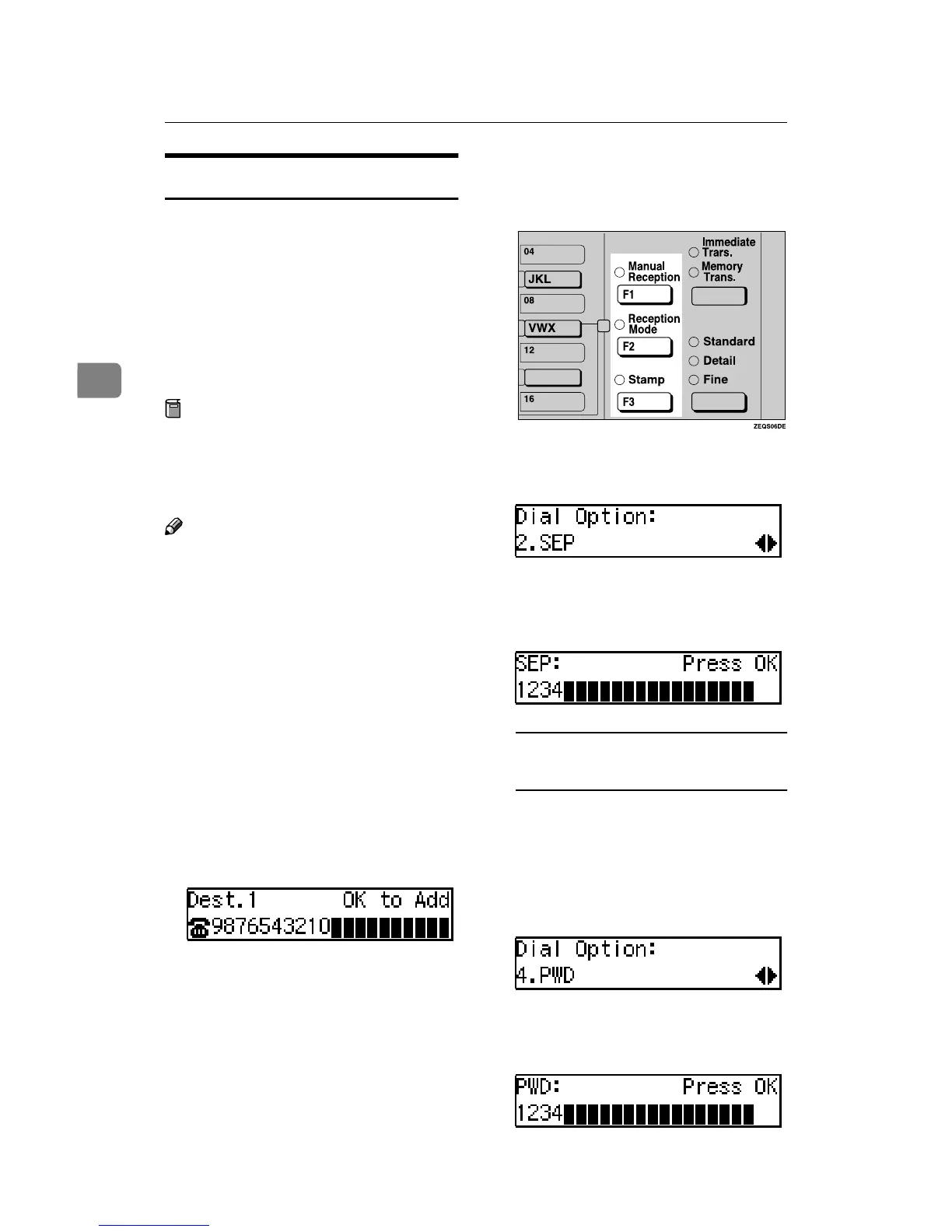
Press the {
{{
{User Function}
}}
} key as-
signed with the Dial Option fea-
ture.
C
Press 0
00
0 or 1
11
1 until "2. SEP" is dis-
played and press the {
{{
{OK}
}}
} key.
D
Enter the SEP code with the
number Keys and press the {
{{
{OK}
}}
}
key.
When a password (PWD) is
necessary
A Press the {
{{
{User Function}
}}
} key as-
signed with the Dial Option
feature.
B Press 0
00
0 or 1
11
1 until "4. PWD" is
displayed and press the {
{{
{OK}
}}
}
key.
C Enter the PWD code with the
number keys and press the
{
{{
{OK}
}}
} key.


 To Next Page
 Loading...
