Reception Features
40
4
Printing Functions
Print Completion Beep
By default, the machine beeps to let
you know when a received message
has been printed.
Note
❒ You can alter the volume of the
beep or turn it off completely (set
the volume to the minimum level).
See Chapter 4 “Adjusting Volume”
in the Basic Features manual.
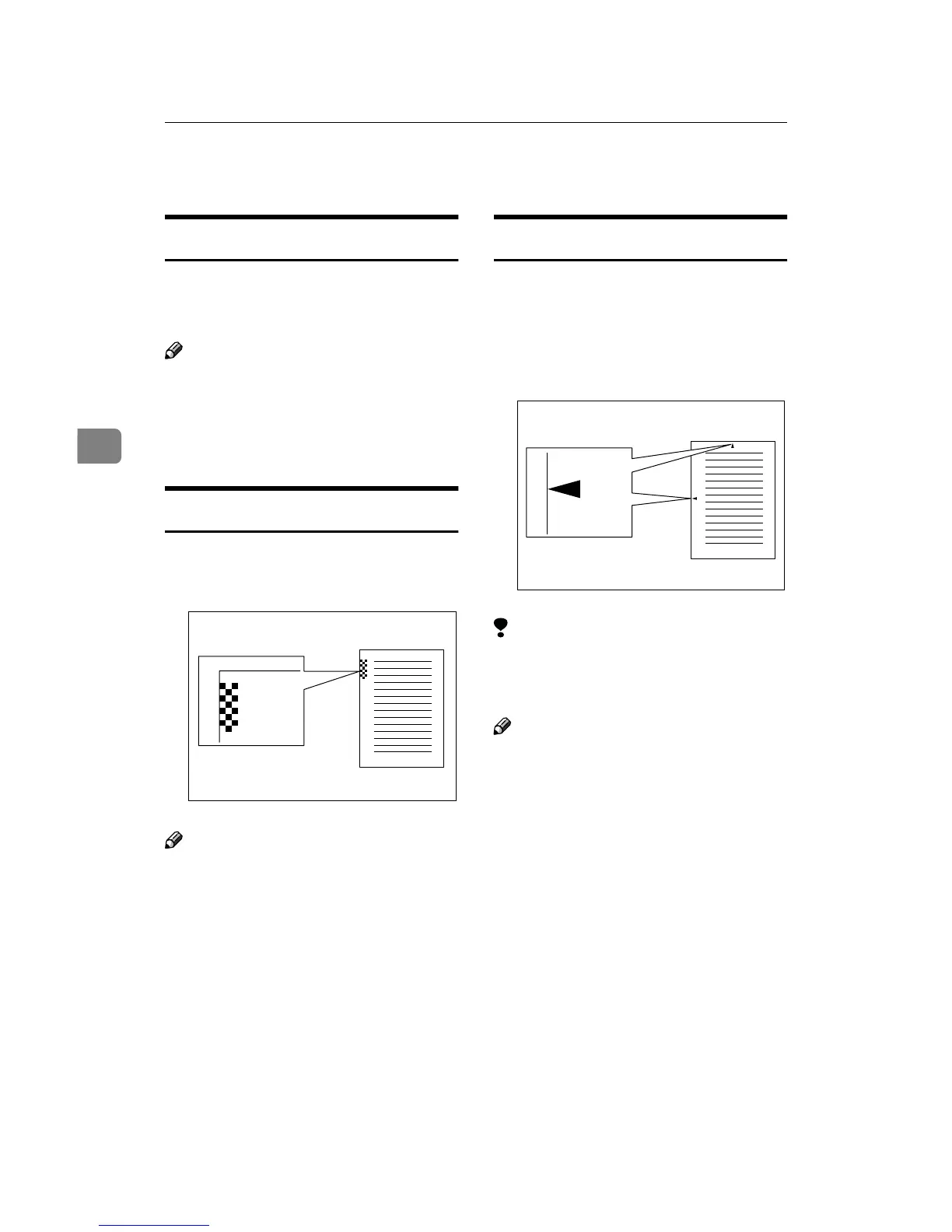
Checkered Mark
By default, a checkered mark is print-
ed on the first page of fax messages to
help you separate them.
Note
❒ You can turn this feature off with
the Initial Setup RX settings. See
P.56 “Changing the Initial Setup Re-
ception”.
Center Mark
By default, marks are printed halfway
down the left side and at the top cent-
er of each page received. This makes
it easy for you to position a hole
puncher correctly when you file re-
ceived messages.
Limitation
❒ The center mark may deviate a lit-
tle from the exact center of the
edge.
Note
❒ You can turn this feature off with
the Initial Setup RX. See P.56
“Changing the Initial Setup Recep-
tion”.
ND1X00E5
ND1X00E6



 To Next Page