Reception Features
44
4
Limitation
❒ The paper size used to print a received message may be different from the size
of the sent original.
Note
❒ Widths that this machine can receive are A4, B4, LT, LG, and A3. Any mes-
sages narrower than A4 or LT are sent as A4 or LT width with the length un-
changed.
Reference
P.41 “Page Separation and Length Reduction (Not Available in Some Countries)”
P.42 “Page Reduction”
P.41 “Image Rotation”
”Just Size” Printing
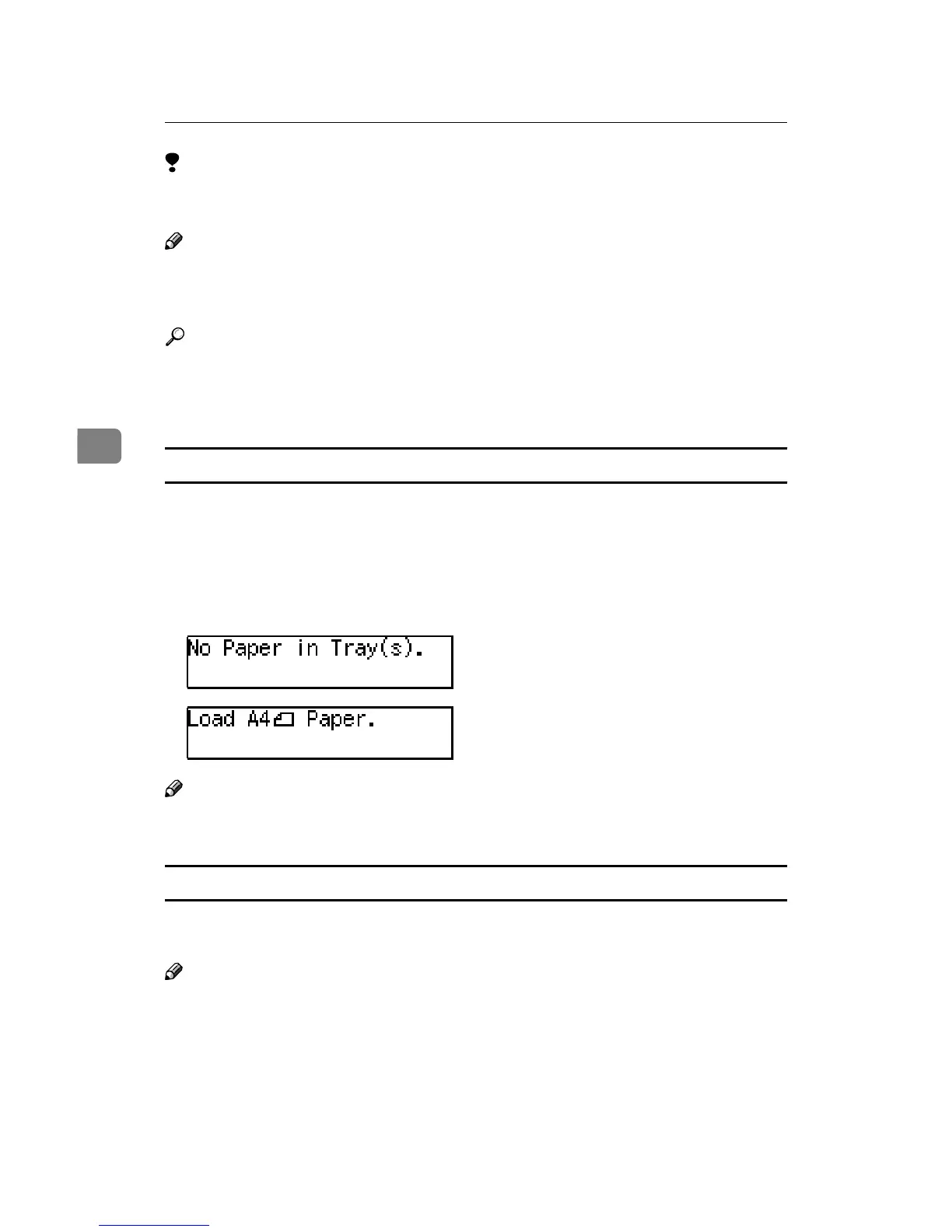
If you turn this feature on and no paper tray is stocked with paper of a suitable
size to print a received document, a message will appear on the display prompt-
ing you to load paper of the required size. When you have loaded the new paper,
you can then print the message.
Two messages can appear:
• Paper Cassette
Note
❒ By default, this message is turned off. You can turn this message on with the
User Parameters. See P.72 “User Parameters” (Switch05, Bit5).
Out of paper display message
If the paper tray runs out of paper, you can have a message appear on the dis-
play asking you to add more paper.
Note
❒ By default, this message is turned off. You can turn it on with the User Param-
eters. See P.72 “User Parameters” (Switch05, Bit7).


 To Next Page
 Loading...
