Operating Manual MSA 330 /MSA 340 1 Introduction
3
1.2 Components description
1.2.1 Operation Controls
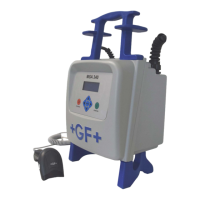
There are seven buttons the user can press to operate the machine.
START (green button) and STOP (red button) are the most important,
used to get a confirmation or a stop for all the actions. The remaining
(yellow) are auxiliary buttons used for menu navigation and data entry.
Button Description
()
Moves the cursor to previous field, increases set values,
scrolls characters
()
Moves the cursor to next field, decrement set values,
scrolls characters in reverse order
()
Moves the cursor to the left
()
Moves the cursor to the right
MENU
Enters into CONFIGURATION menus (DATA RETRIEVAL/SET
UP menu) when the CONNECT FITTING window appears.
STOP/ESC
(O)
Stops any operation and the process; goes back to
previous step
START/OK (
I )
Confirms inserted data and starts welding


 To Next Page