Samsung
Push icon examples:
Sony Huawei
HTC
Android DLNA playing
After E2 is connected to the network, to use DLNA connection, please open the music player app with DLNA function on
your mobile phone or tablet, click the icon on the playing interface and select your E2 for music playing.
More functions
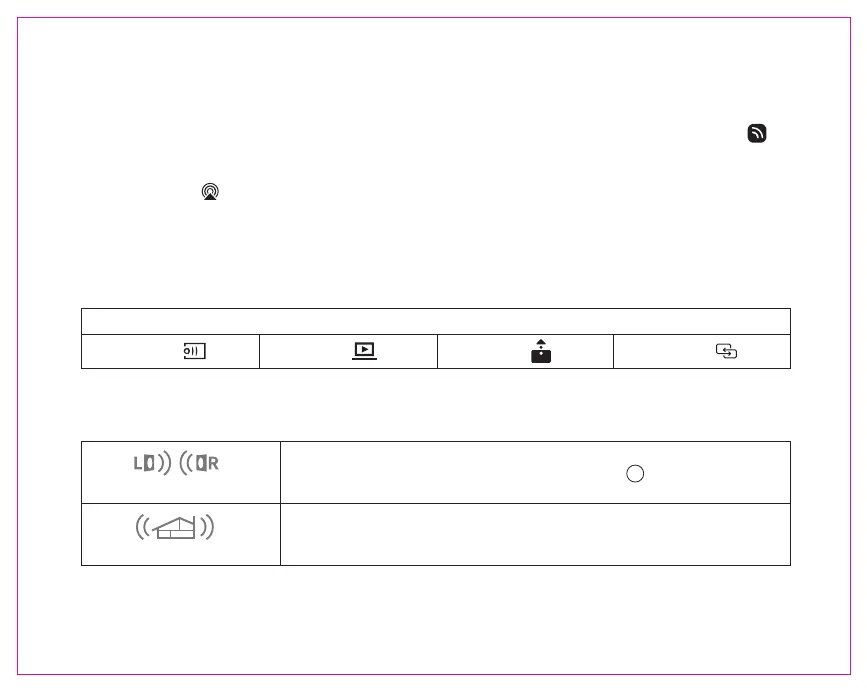
Stereo play mode
Multi-room play mode
LR
Add 2 sets of E2 through "GGMM-E series" APP, click to set.
Add multiple E2 through "GGMM-E series" APP, so you can simultaneously
play the same songs, or play different songs in different rooms.
• After connecting to your Wi-Fi network, the E2 can act as a Wi-Fi extender, which can enlarge your Wi-Fi network coverage
area.
iOS AirPlay playing
After E2 is connected to Wi-Fi, you are able to use AirPlay to play music wirelessly.
iOS 11 Users: Swipe up from the bottom of your screen to open “Control Center”, Click in the upper right corner ,
select ”GGMM_E2_XXXX”.
iOS 10 Users: Swipe up from the bottom of your screen to open “Control Center”, swipe horizontally to find the “Now
Playing” screen, tap ,select ”GGMM_E2_XXXX”.
English 04


 To Next Page