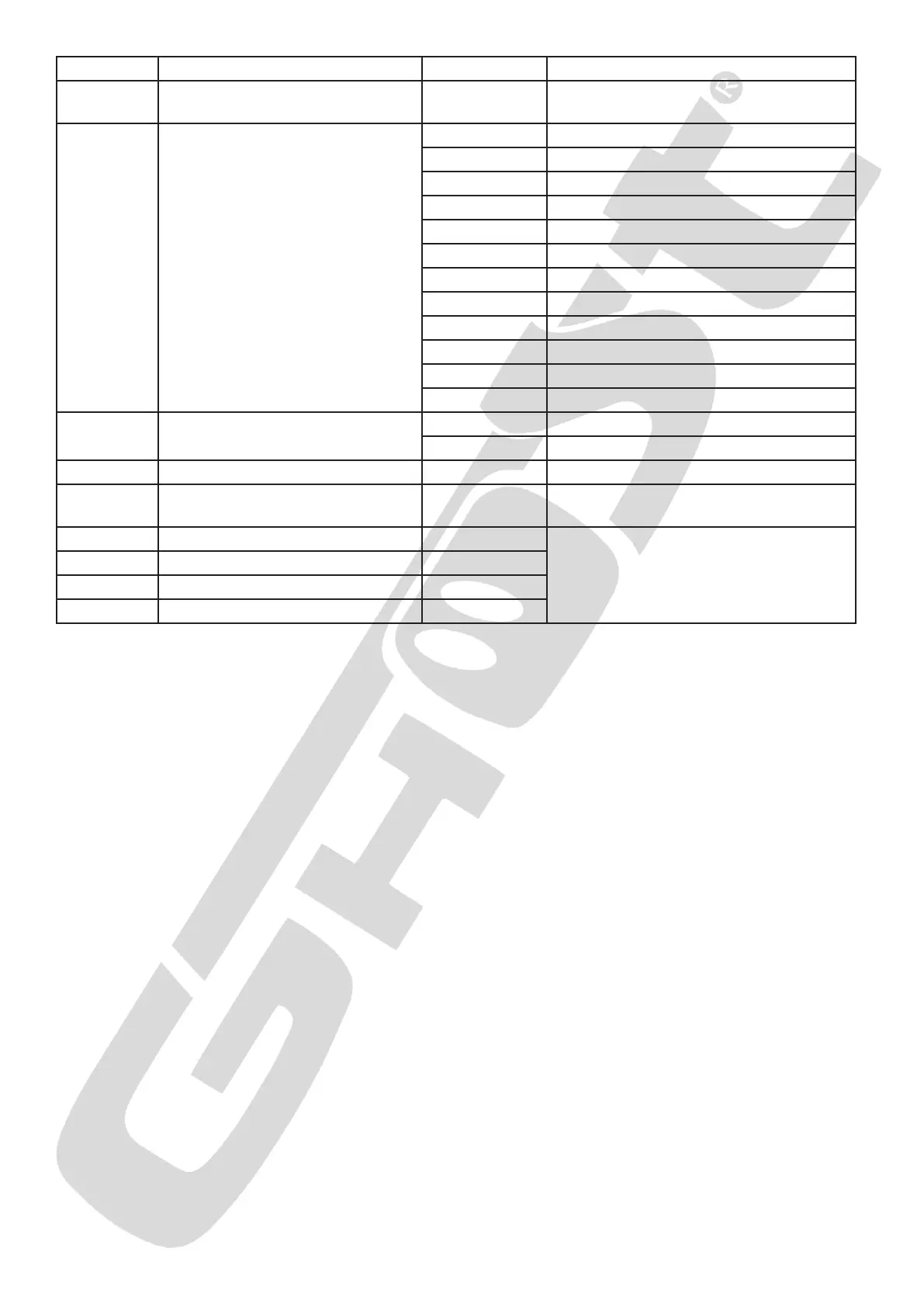
Menu Description Sub-Menu Description
Addr Set Address D001 - D512
Setting up a starting DMX address of
the xture
Auxx /
Soxx
Auto Mode
Au01 Red
Au02 Green
Au03 Blue
Au04 White
Au05 Yellow
Au06 Cyan
Au07 Purple
Au08 RGBW
Au09 Chase in Jump mode
Au10 Chase in Fade mode
So01 Sound mode 1
So02 Sound mode 2
Stxx
Strobe setting for Auto & Sound
modes
St00 No strobe
St01-St16 Strobe from slow to fast
Snxx Sound sensitivity setting Sn00-Sn16
SPxx
Speed Chase for Auto mode
Au09 & Au10
SP01-SP16 Speed Chase from slow to fast
Rxxx Red color intensity adjustment R000-R255
Gxxx Green color intensity adjustment G000-G255
Bxxx Blue color intensity adjustment B000-B255
Wxxx White color intensity adjustment W000-W255
Dxxx - Setting the DMX address
Press MENU to select DXXX, press Enter to start adjustment. Use the
UP or DOWN keys to set the desired address. Then press ENTER to conrm.
Auxx - SnXX - Selection of automatic or audio mode
Press the MENU button until AUXX OR SNXX is displayed. Press ENTER.
The display shows “AU01 to AU10” or “SN01 or SN02”. Select the desired program (Au for automatic pro-
grams and Sn for audio programs) with the UP & DOWN keys. Press ENTER to validate the selection, then
set the desired scrolling speed between
“SP00” (slowest) and “SP99” (fastest) with the UP & DOWN keys, Press ENTER to validate the selection.
When the auto/sound mode is validated, even after switching off and on again, the projector returns to
its last validated state.


 To Next Page