EasyManua.ls Logo

Gioteck EX-05 - User Manual

Gioteck EX-05
72 pages
Print Icon
To Next Page IconTo Next Page
Loading...
EX
-
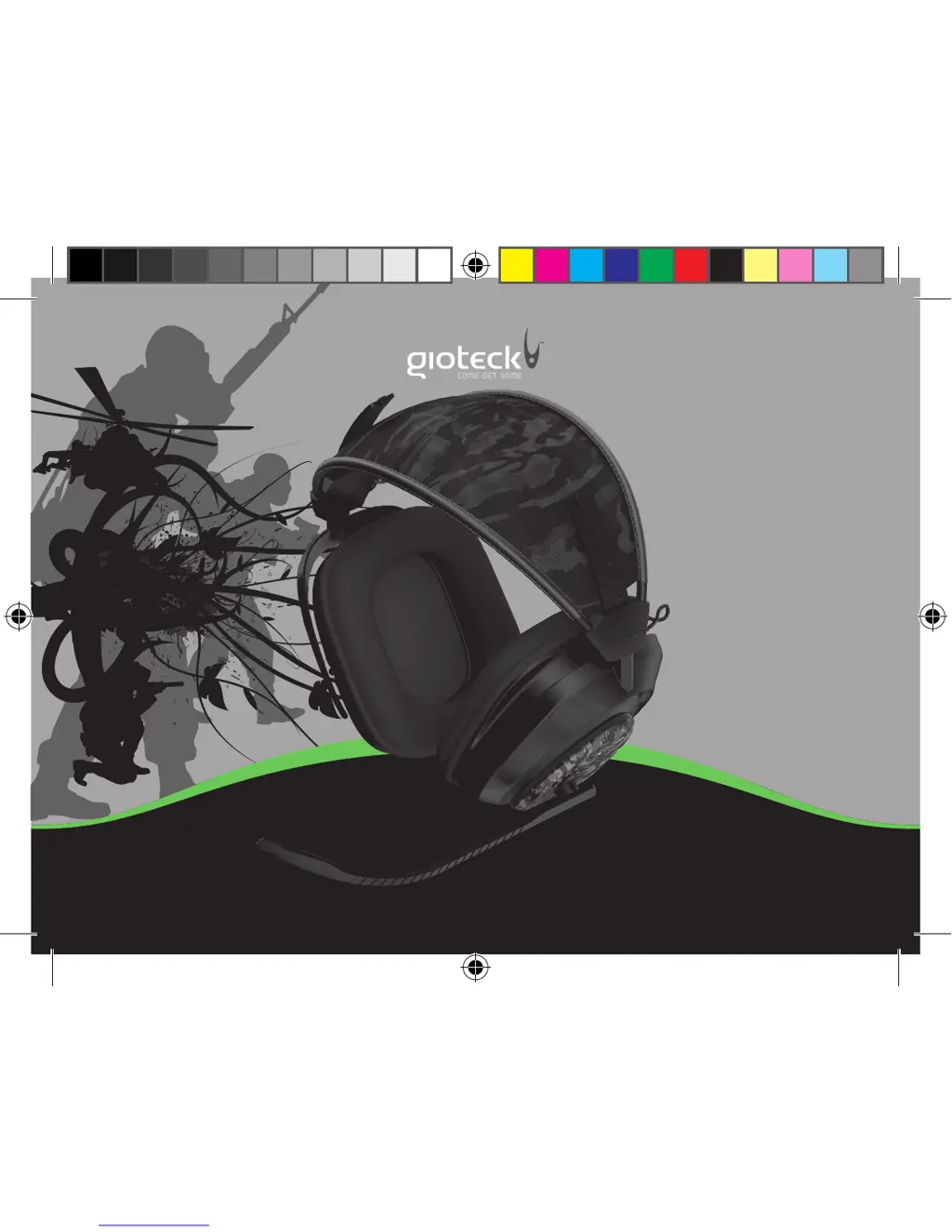
05 MILITARY STYLE HEADSET
CRISP AND DEEP WIRED STEREO HEADPHONES
ex05_wired_xb3_solos_eu_manual.indd 1 05/09/2011 12:37

Other manuals for Gioteck EX-05

Questions and Answers

  • N
    Nicholas HunterJul 31, 2025
    What to do if I can't hear the game audio on my Gioteck Headsets?
    • M
      Mathew VasquezJul 31, 2025
      If you can't hear the game audio through your Gioteck Headsets, ensure the game volume is turned up on the inline controller. Also, verify the headset is correctly plugged into the inline controller and that you have properly set up the audio configuration.
  • C
    Craig LongAug 13, 2025
    Why my friends can’t hear me on Gioteck Headsets?
    • J
      James MitchellAug 13, 2025
      If your friends can't hear you when using chat on your Gioteck Headsets, check that the headset is connected to the Xbox 360® Controller and make sure the Mute switch on the inline controller is turned OFF.

Summary

Precautions

Safety Warnings

Important installation, operational, or maintenance instructions for safe use.

Environmental Considerations

Guidelines for proper disposal of the product and packaging to protect the environment.

Headset Components

Wired Inline Connector

Setup: Xbox 360 Slim (Standard A;V Cables)

Setup: Xbox 360 (HDMI)

Setup: Xbox 360 Slim (HDMI)

Chat Setup: Xbox 360

Troubleshooting

Legals

Gioteck EX-05 Specifications

General IconGeneral
Product typeHeadset