EN
EN
43
04
02
05
06
07
08
09
10
01
03
SETUP
Note: Please fully charge the battery before using for the first time. See
“Charging the Headphones” section of this User Guide for details.
TURNING THE HEADPHONES ON/OFF
To turn the Headphones ON simply hold down the Power Button for 5
seconds. The status LED Indicator on the earcup will flash three times,
and you will hear a “Power On” voice through the Headphones.
To turn the Headphones OFF simply hold down the Power Button for 5
seconds. The status LED Indicator on the earcup will flash three times,
and you will hear a “Power Off” voice through the Headphones.
Please note: To conserve power, if the headset is not connected to a device
for approximately 10 minutes, the headset will turn off automatically.
To reactivate the Headphone just push the power button.
CONNECTING WITH BLUETOOTH®
1] Turn ON the Headphones using the Power Button
and keep the button held down for 5 seconds.
2] The headphones will automatically pair with the previously paired
BT device within 10 seconds. If no previously paired devices are
found, the headset will enter pairing mode. You will hear a voice
say “pairing” and the Status LED on the earcups will flash blue.
The Headphones are ready to connect to the device.
3] Go to the Bluetooth® option in the settings of your Bluetooth Audio
device or Smartphone and in the list of Devices select FL300
4] You will hear a voice say “connected”, the Headphones
are now ready to use.
CONNECTING WITH AUDIO CABLE
To connect the Headphones to devices that do not support Bluetooth®,
plug the provided 3.5MM Audio cable into the Headphone port on the left
earcup and connect the other end of the cable into the audio device.
Note: This allows you to use the Headphones in places where wireless
signals are restricted.
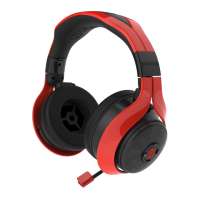
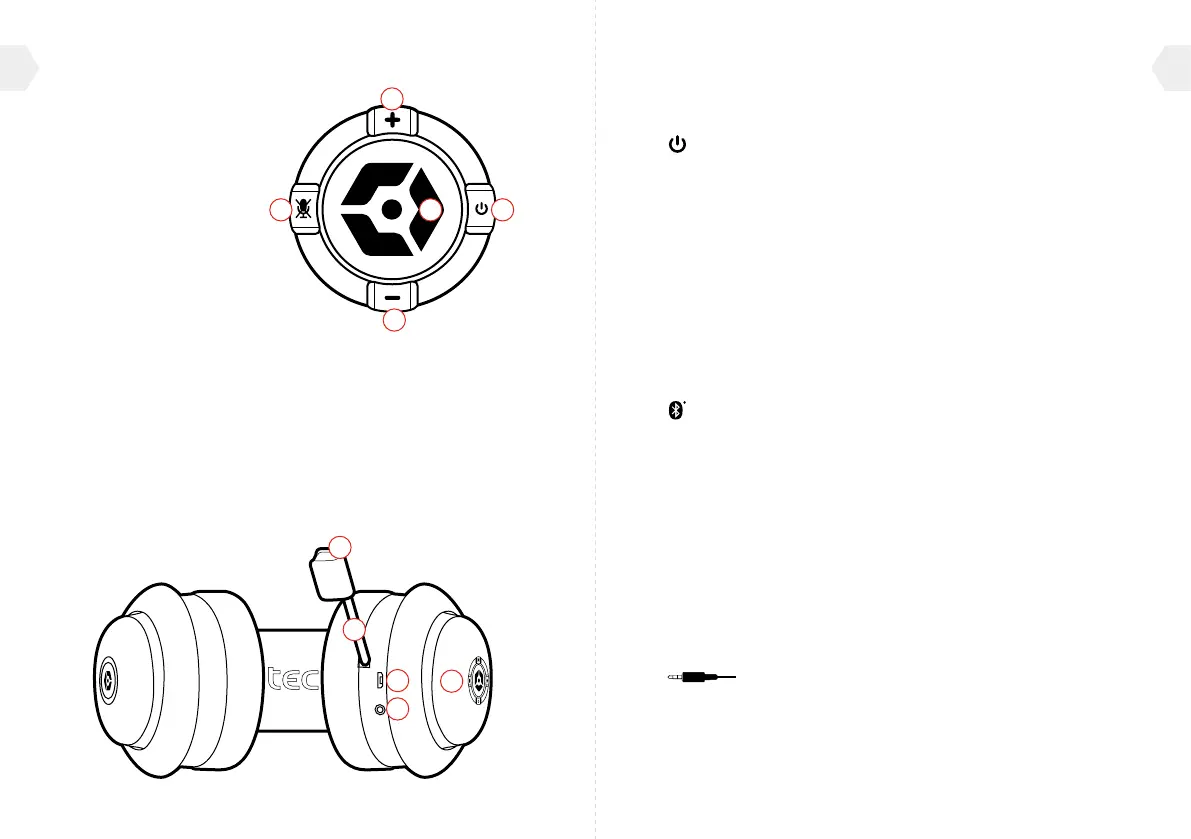
PRODUCT FEATURES
01] Volume Up
02] Volume Down
03] Mute Button
04] Power Button
05] Multi-Function Button
06] Microphone Indication LED
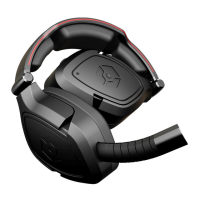
07] Retractable Boom Microphone
08] USB Charging Port
09] Audio Cable Port (Line IN)
10] Status LED


 To Next Page
 Loading...