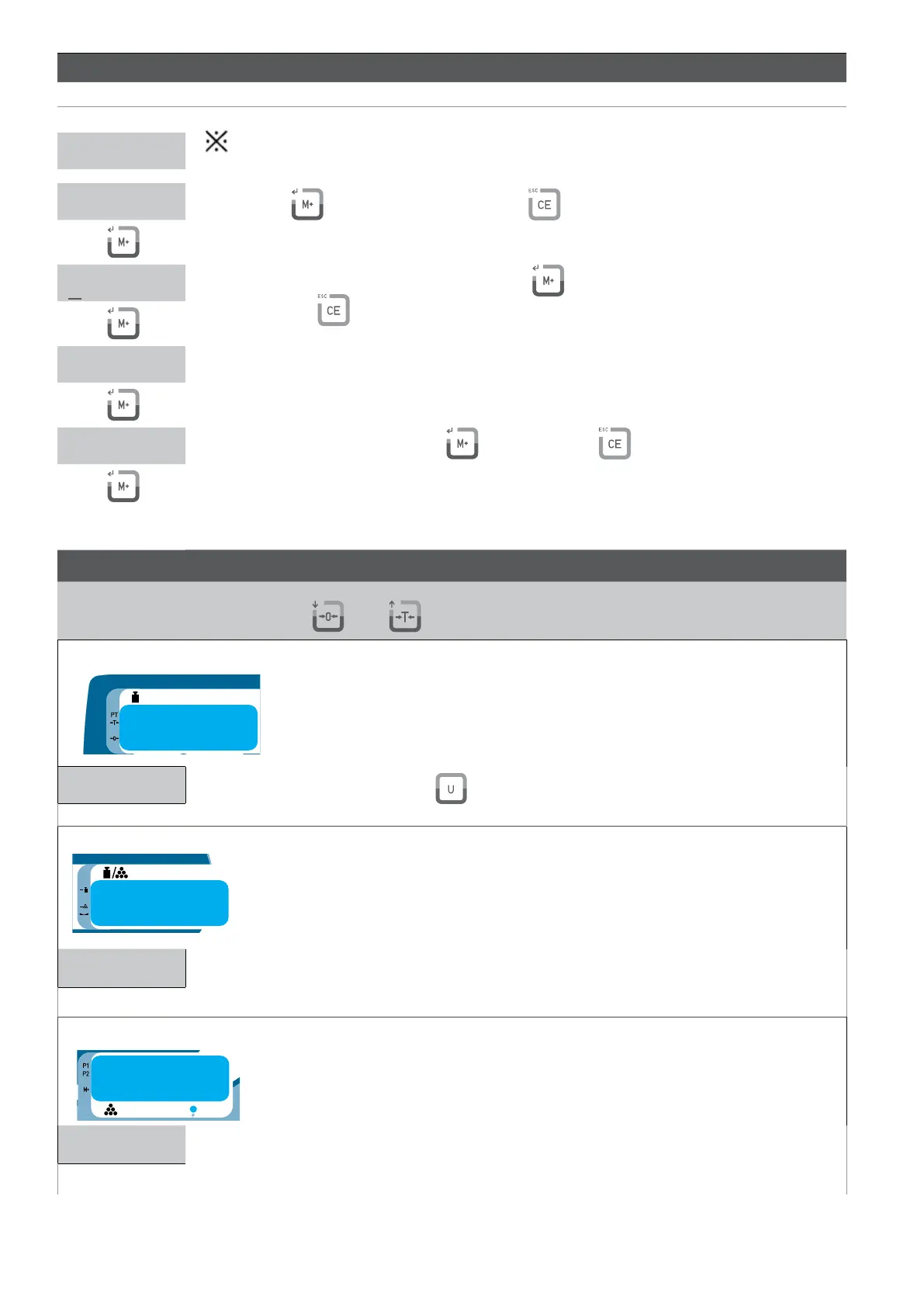
CALIBRATION OF THE WEIGHT LF 1
DISPLAY DESCRIPTION
The calibration can be done with any weight, but the weight ca not be inferior to 1/100 of the maximum capacity
and it must also never be exceeded.
ress the key to start the calibration of zero ( press to exit the calibration without to save and go back to the
menu LF1)
LF 1
000.000kg
150.00 kg
Use the Numerical keyboard, 0 ~ 9, and then press to introduce the weight with which the calibration
will be done. ( press to exit the calibration without to save and go back to the menu LF1)
150.00 kg
Place the required weight on the scale as it is indicated in the display.
150.00 kg
nce everything is steady, press the key to calibrate it ( press to exit the calibration without to save and
go back to the menu LF1).
THE CALIBRATION IS GOING TO FINISH AND THE SCALE WILL GO BACK TO THE WEIGHING MODE AUTOMATICALLY.
CONFIGURATION LF 2
Use the Keys
and to move between the digits of the displays
weight display
000.00 kg
Enter the maximum capacity_F5 . Use to select the calibration of weighing unit. Available units are Kg, g
and lb.
unit weight display
dp0 Kg
Enter the position of the decimal point. Use the numeric keypad to select calibration weighing unit as needed.
The position of the decimal point can be from 0 to 4.
pieces display
div 0
Use the keys 1, 2 and 5 to enter the value of the divison.•



 To Next Page