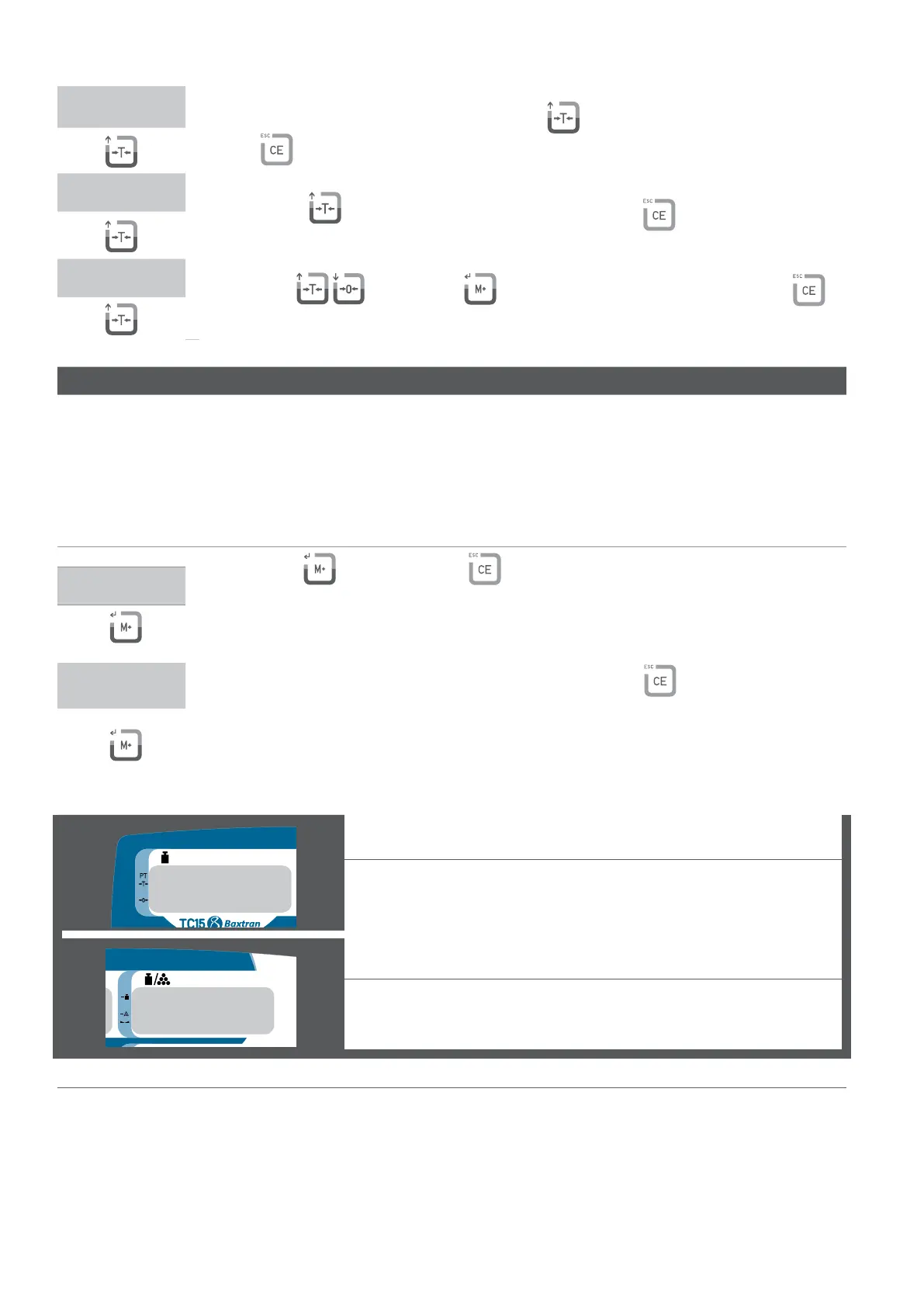
W3
lace the maximum weight on the plate and press the key to calibrate the full capacity. (press
the key
to exit from the calibration and go back to the menu LF3)
W4
Press the key to complete the lineal calibration. (press the key
to exit from the calibration
and go back to the menu LF3)
LF3
se the keys , and then the key to continue with other adjustments and press the key to
exit from the menu and the scale will begin again automatically.
GRAVITY LF 7
*Introduce the gravity of your zone before doing the first calibration.
*Introduce the gravity of destination after doing the calibration.
*The value of the gravity will be denied if it is bigger than 9.83217 (gravity of the pole) or inferior to 9.78031 (gravity of the
equator).
Value of factory: 9.8010
DISPLAY DESCRIPTION AND SEQUENCE OF USE
ress the key
to continue or the key
to exit from the menu and the scale will start again
automatically.
LF 7
9.8035
Use the number keyboard, 0 ~ 9 to enter the value of gravity. (press
to exit from the configuration
and go back to the menu LF 7).
weight window
Indicates the calibration of gravity
PIECE WIEGHT WINDOW
Indicates the gravity of use.
*ONCE REALIZED THE CALIBRATION THE INDICATOR USES FOR FAULT THE GRAVITY OF USE.



 To Next Page