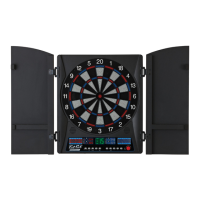
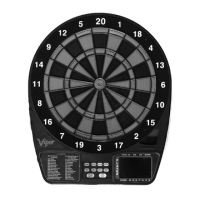
GLD Products ElectronX Dartboard
Item 42-1054
341-800-225-7593
www.gldproducts.com
G30 Casino-Straight (with scoring options of 260, 310, 360, 410, 460, 510, 560)
The scoring options are the end point total, see the chart below.
Scoring Option 260 310 360 410 460 510 560
End Point Total 260 310 360 410 460 510 560
Refer to the section “Read First - Operation”.
Playing the Game
To win: The ! rst player to reach the designated end point total wins.
• The dartboard will indicate the number you must throw for.
• Each player starts with 100 points. The default “bet” is 10 points and a player can
increase his bet at the start of each round to 20, 30, 40 … 90 points.
• To change your bet (at start of a round), press the BOUNCE OUT button. Your
new bet will be indicated in your score display (for example, “b20” will appear to
indicate a bet of 20 points).
• The bet will automatically revert to 10 points at the start of each round.
• The Temporary Score Display will indicate the segment to aim for.
• To “cash in” on your bet, you need to hit the indicated number segment. Hitting a
single ! rst is a “push” and does not score points.
• Hitting a double or triple of the correct segment with any throw counts as 1x, 2x
and 3x your bet respectively.
• If the ! rst dart misses the target segment, the bet is deducted from the score.
• To be successful you must span across the target area in your turn. For example,
if the display indicated to throw for segment 1, you attempt to throw for segment 1,
followed by a bullseye, followed by segment 19.
• The segment scoring display will light to indicate the number of successful hits you
have registered.
• Failing to hit the active segment in a round costs you the value of the bet you
selected at the start of the round.


 To Next Page
 Loading...