INSTRUCTIONS DE CONNEXION
50457
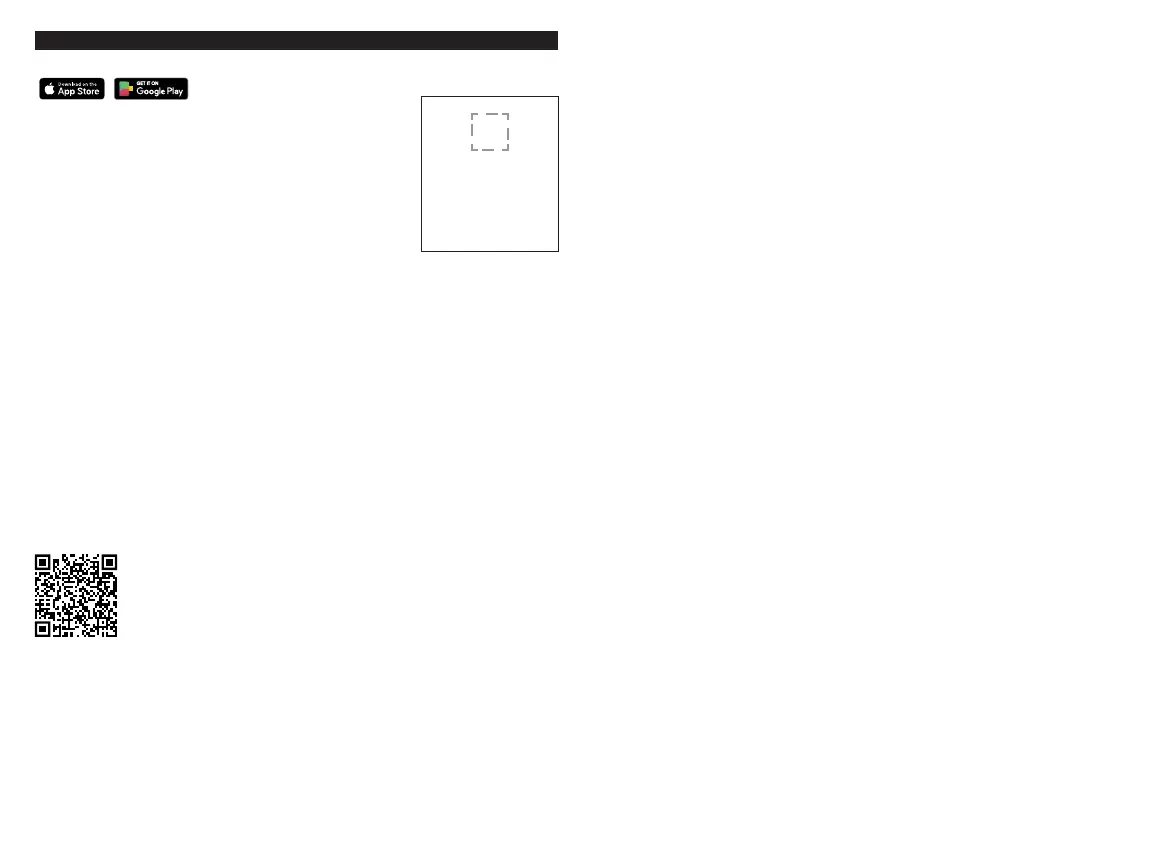
1. Download the Amazon Alea app.
2. Power on your device.
Ensure your smart switch is installed correctly and powered on.
3. Scan barcode
• Launch the Amazon Alexa app.
• Select “Add a Device”.
• Select “Smart switch”, locate Globe Electric and follow the in-app
instructions on how to scan the 2D barcode.
Please note:
Don’t have a barcode?
Select "Don't have a barcode?" in the Alexa app and follow the in-app
instructions on how to connect without a 2D barcode.
How to factory reset device
If you are struggling to set up your device, or if the device
was already connected to a network, perform a factory reset by following the
instructions below:
1. Turn the device ON
2. Press and hold the ON/OFF button down for 10 seconds.
3. Let go of the button once the light is flashing RED and GREEN indicating a successful reset.
Check out product videos on
Smart Devices playlist.
The device is automatically in pairing for 5 minutes once powered on. When you scan the
barcode, the white light will flash indicating the pairing is successful. If within 5 minutes,
it does not connect, turn the device OFF and ON again to re-enter pairing mode.
QR
Please keep these instructions
in a safe place. This is the only
duplicate of the unique QR
code for your product. ou
may need it to reconnect the
product to your account or
transfer it to another account.


 To Next Page