1-18 In Brief
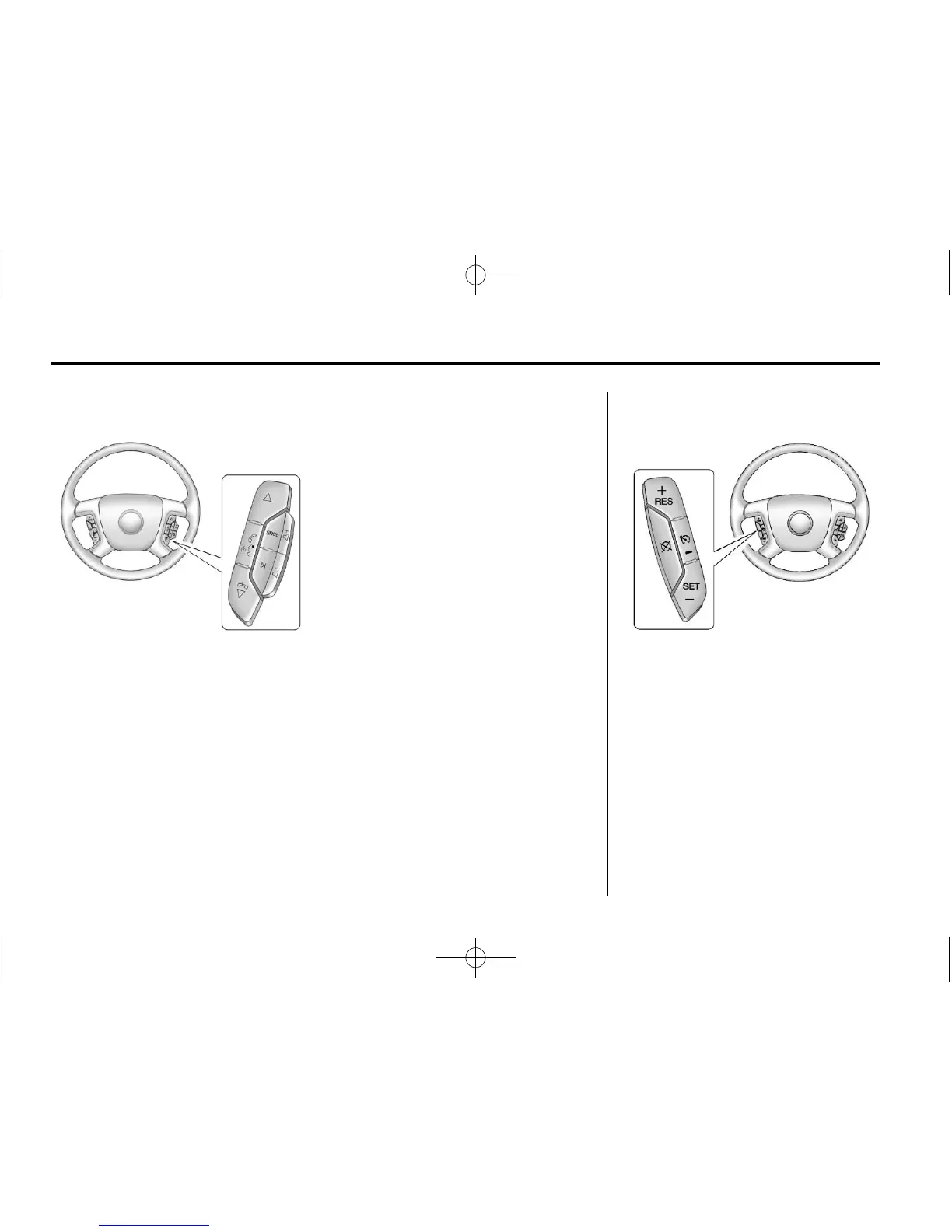
Steering Wheel Controls
w or c / x : Press to change
favorite radio stations, select tracks
on a CD/DVD, or navigate tracks or
folders on an iPod
®
or USB device.
b / g : Press to silence the vehicle
speakers only. Press again to turn
the sound on. Press and hold longer
than two seconds to interact with
OnStar
®
or Bluetooth systems.
+
e and − e : Increase or
decrease volume.
c / x : Press to reject an
incoming call, or to end a call.
SRCE: Press to switch between
the radio, CD, and for equipped
vehicles, DVD, front auxiliary, and
rear auxiliary.
¨ : Press to seek the next radio
station, track, or chapter while
sourced to the CD or DVD slot, or to
select tracks and folders on an
iPod
®
or USB device.
For more information, see Steering
Wheel Controls on page 5‑2.
Cruise Control
T : Press to turn cruise control on
and off. The indicator comes on
when cruise control is on.
+ RES: Press briefly to make the
vehicle resume to a previously set
speed, or press and hold to
accelerate.
SET– : Press to set the speed and
activate cruise control or to make
the vehicle decelerate.



 To Next Page