Support email: pmg-aftersale@outlook.com
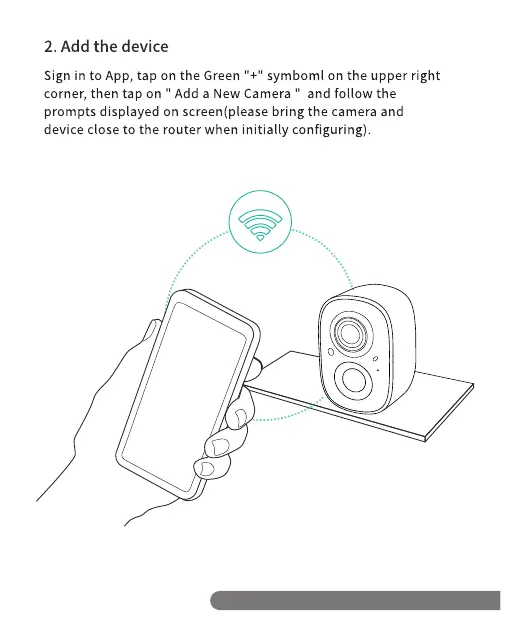
2. Add the device
Sign in to App, tap on the Green "+1' symboml on the upper right
corner, then tap on " Add a New Camera " and follow the
prompts displayed on screen(please bring the camera and
device close to the router when initially configuring).
00
O
D
Support email: pmg-aftersale@outlook.com


 To Next Page