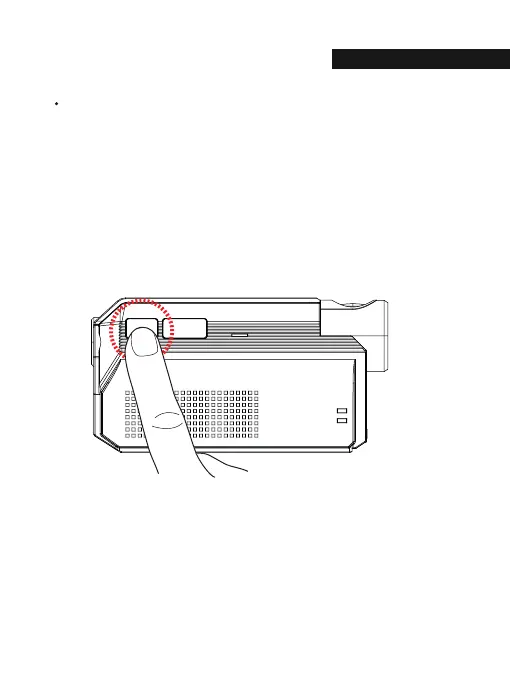
The Wi-Fi mode is changed to the CLOUD mode or the CLOUD mode is changed
to the Wi-Fi mode if you press the Wi-Fi button for 3~4 seconds.
(At this time, when switching to the Wi-Fi mode or the CLOUD mode,
dash cam is on and does not reboot)
Change Into Wi-Fi or Cloud Mode
02.FUNCTION
W T
US
22



 To Next Page