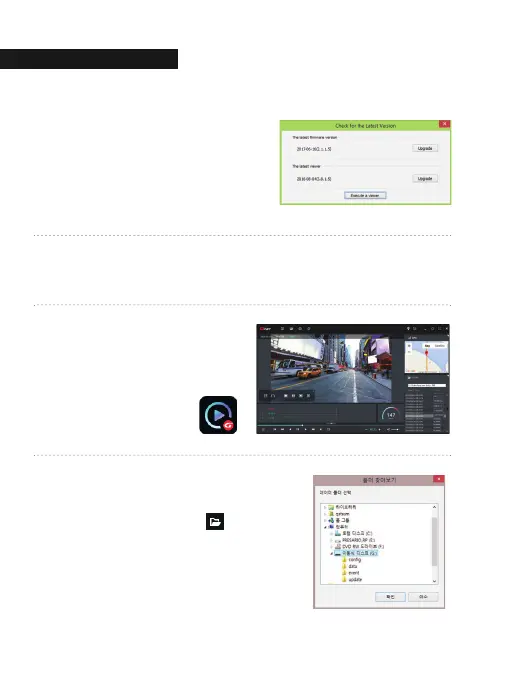
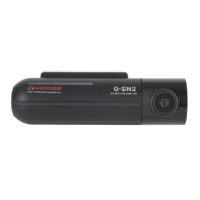
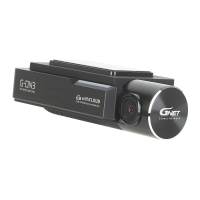
Confirmation the latest version pop-up
will appears as picture shown if network
is connected. If there is no internet
connection, PC Viewer program will be
executed directly.
8
Click the [Execute a viewer] button to start viewer program.
Gnet icon ▶
9
When the installation is completed,
the PC Viewer program runs
automatically and Gnet icon will be
created on the computer.
10
[Open the file]
When click the file button( ),
the browse folder will appear like picture.
And select removable disk,
Press [OK] button.
11
05. PC VIEWER
PC VIEWER INSTALLATI
41


 To Next Page