14
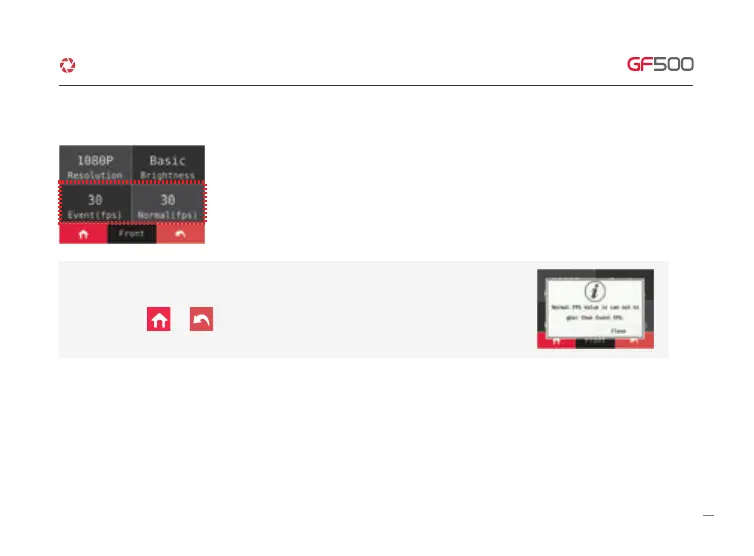
① Able to set Resolution, Brightness, Event(FPS), Normal(FPS), Night Vision, after touching Front Setting
* Screen reverse – The rear screen will be reversed to left and right
6. HOW TO USE
·How to use LCD - SETUP - Recording
※Not apply that Normal fps is bigger than Event fps.
If adjust above figure, you would watch pop up message.
When you touch or button as the FPS of
Front and Rear are same.
* Night Vision – If it is on, the brightness of Dash cam at night will be bright.
G-Net system DASH CAM



 To Next Page