17
6. HOW TO USE
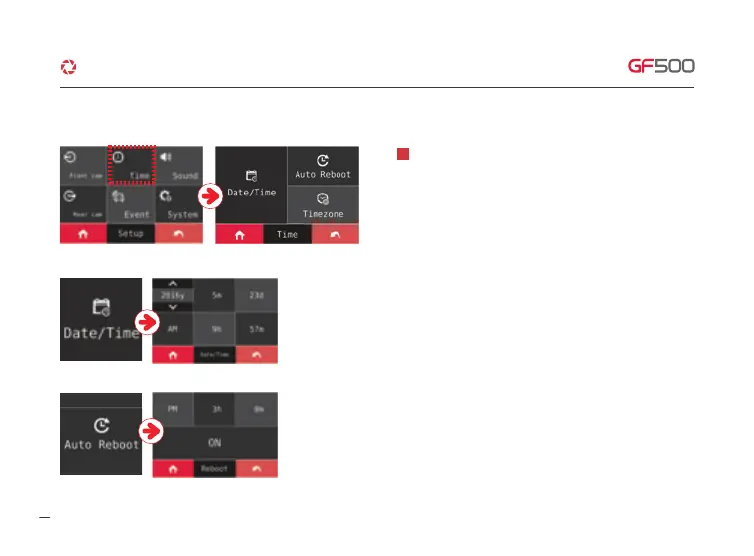
·How to use LCD - SETUP - Time
Set Date/time, Auto rebooting time when you touch Date/Time
button at Time zone setting.
1
① The arrow will show up with one screen touch , you can set the Date/Time as
you touch the arrow.
② Able to set reboot ON/OFF when you touch Reboot button, you can set the specific
time of reboot.
G-Net system DASH CAM



 To Next Page