6. HOW TO USE
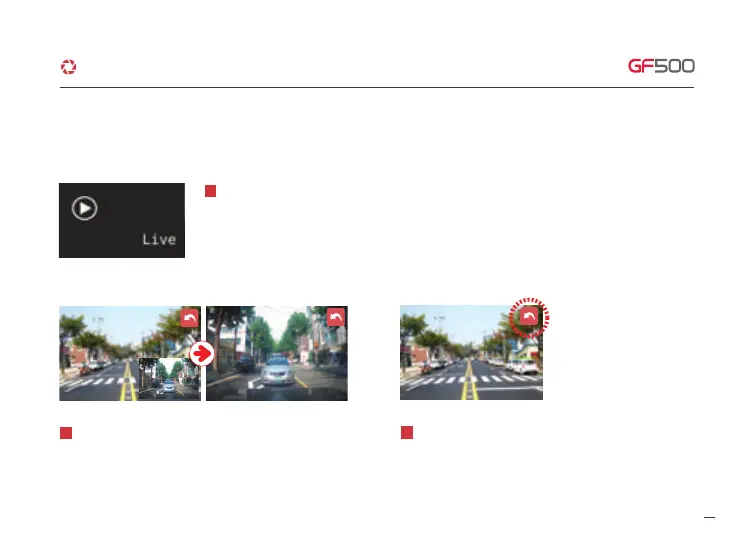
Real time video will play when you touch “LIVE” button.
1
If users touch the video which is playing on screen, the Front
and Rear screen will be switched.
2
The (Back) button will disappear after 5 sec without touch
or operation. If users touch the screen, the (back) button
will appear and can return to the main.
3
3. LIVE VIDEO
·How to use LCD - Live
24
G-Net system DASH CAM



 To Next Page