G-Net system DASH CAM
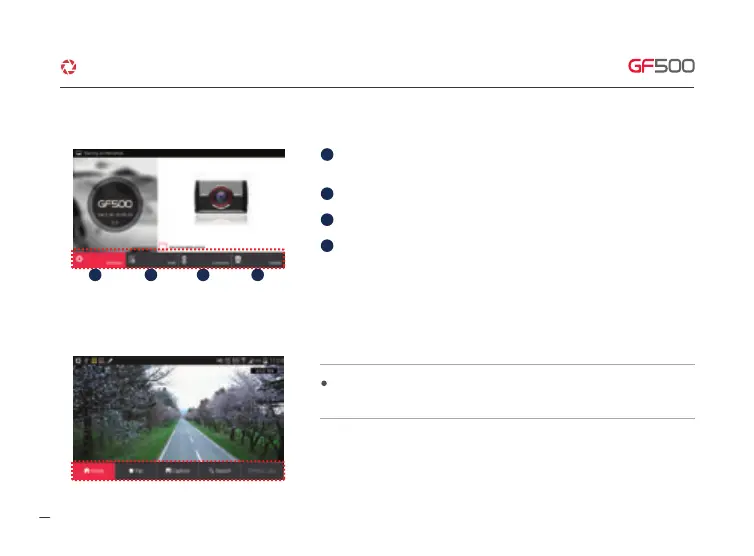
Setup the product via smart device easily if touch the “setup” icon – It will be
rebooting when save button after finished setup.
Real time recording shows if click “Connect” icon after registration.
Move to registration page if click “Add” icon.
Menu icon will appear the bottom of screen if touch the screen lightly during real
time streaming.
Delete registered product if click “Delete” icon.
1 2 3 4
1
2
3
4
11. WI-FI CONNECTION & FUNCTION
·How to connect - Android
37



 To Next Page