X
m
w
_L
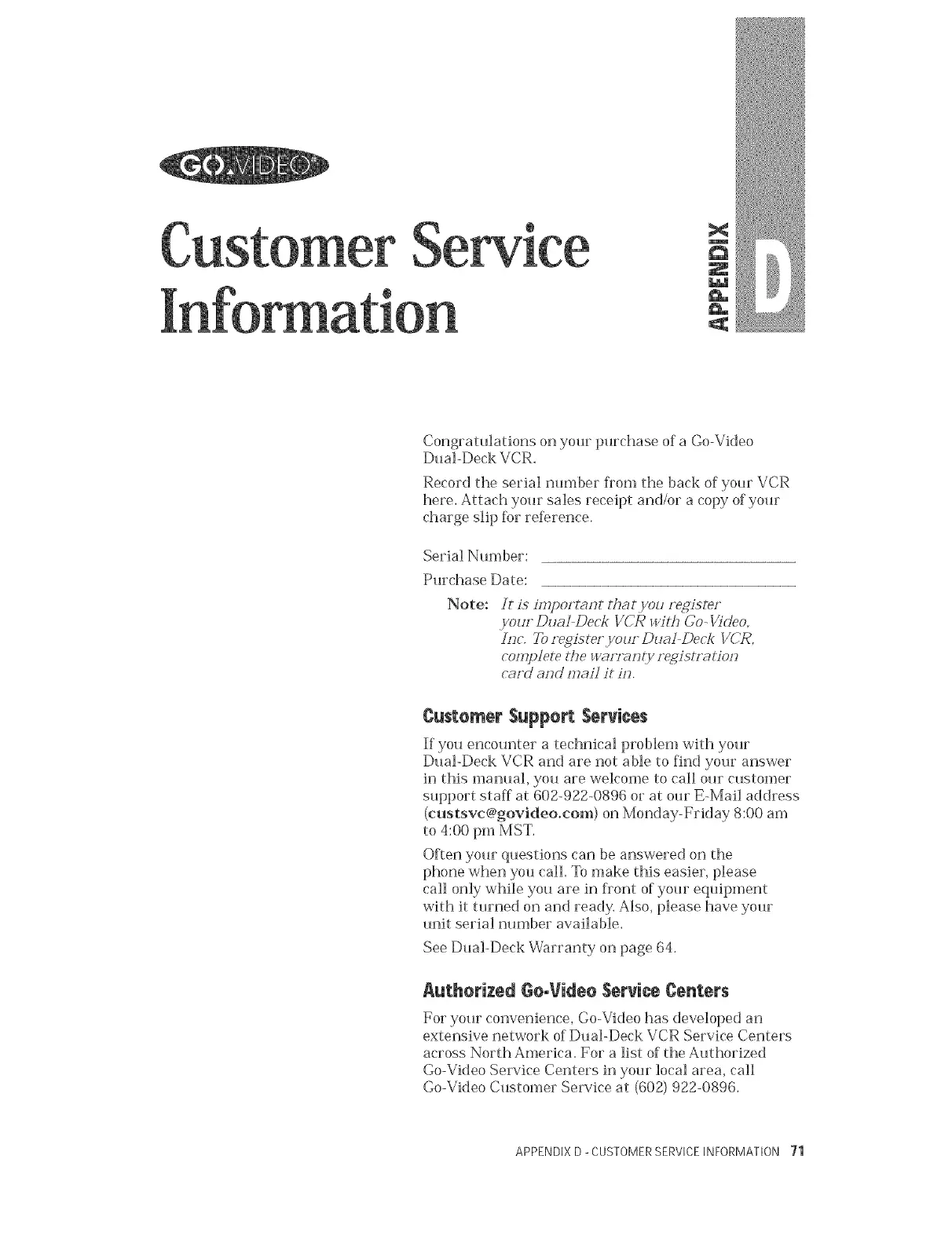
Congratulations on your purchase of a Go-Video
Dual-Deck VCR.
Record the serial nmnber Dora the back of your VCR
here. Attach your sales receipt and/or a copy of your
charge slip Rw rderence.
Serial Number:
Purchase Date:
Note:
It i8 impoFt#h'Jt thg_tyou Fe,gister
your Dual Deck VCR wi#r Co- Video,
hrc, _ register,your Duat Dec/; VCR,
complete tire Wg_Frag(y registr:_tiorr
c_ud _rrd malt it Or,
Customer $uppert Services
If you encounter a technical problem with your
Dual-Deck VCR an([ are not able to fin([ your answer
in this manual, you are welcome to call our customer
support staff at 602-922-0896 or at our E-Marl address
(custsvc@govideo.com) on Monday-Friday 8:00 am
to 4:00 pm MST.
ORen your questions can be answered on the
phone when you call To make this easier, please
call only while you are in flont of your equipment
with it turned on and ready. Also, please have your
unit serial number available.
See Dual-Deck Warranty on page 64.
Authorized Ge.Video Service Centers
For your convenience, Go-Video has developed an
extensive network of Dual-Deck VCR Service Centers
across North America. For a list of the Authorized
Go-Video Service Centers in your local area, call
Go-Video Customer Service at (602) 922-0896.
APPENDIX D _CUSTOMERSERVICEINFORMATION 71



 To Next Page