
 Need help?
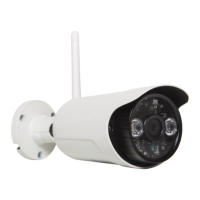
Do you have a question about the Goclever Eye Omega and is the answer not in the manual?
Steps to power on, connect to LAN, and calibrate the camera for initial use.
Download, install, and launch the PC client software for camera management.
Access camera features through a web browser after installing the Search_tool.
Install and configure the Goclever Eye app on an Android device for remote access.
Details product conformity with essential requirements of relevant EU directives.
Provides guidelines for environmentally sound disposal of the device.
Outlines specific Wi-Fi channel limitations in France, Italy, and Norway.
 General
| Brand | Goclever |
|---|---|
| Model | Eye Omega |
| Category | Security Camera |
| Language | English |

 To Next Page