Control the volume to rise or reduce, or change the variable focal length in camera
mode.
MIC: Microphone jack
SPEAKER: Sound input/output.
4. Turn on, turn off, sleep, wake up
·Turn on: While off, press and hold the power button for 3 seconds
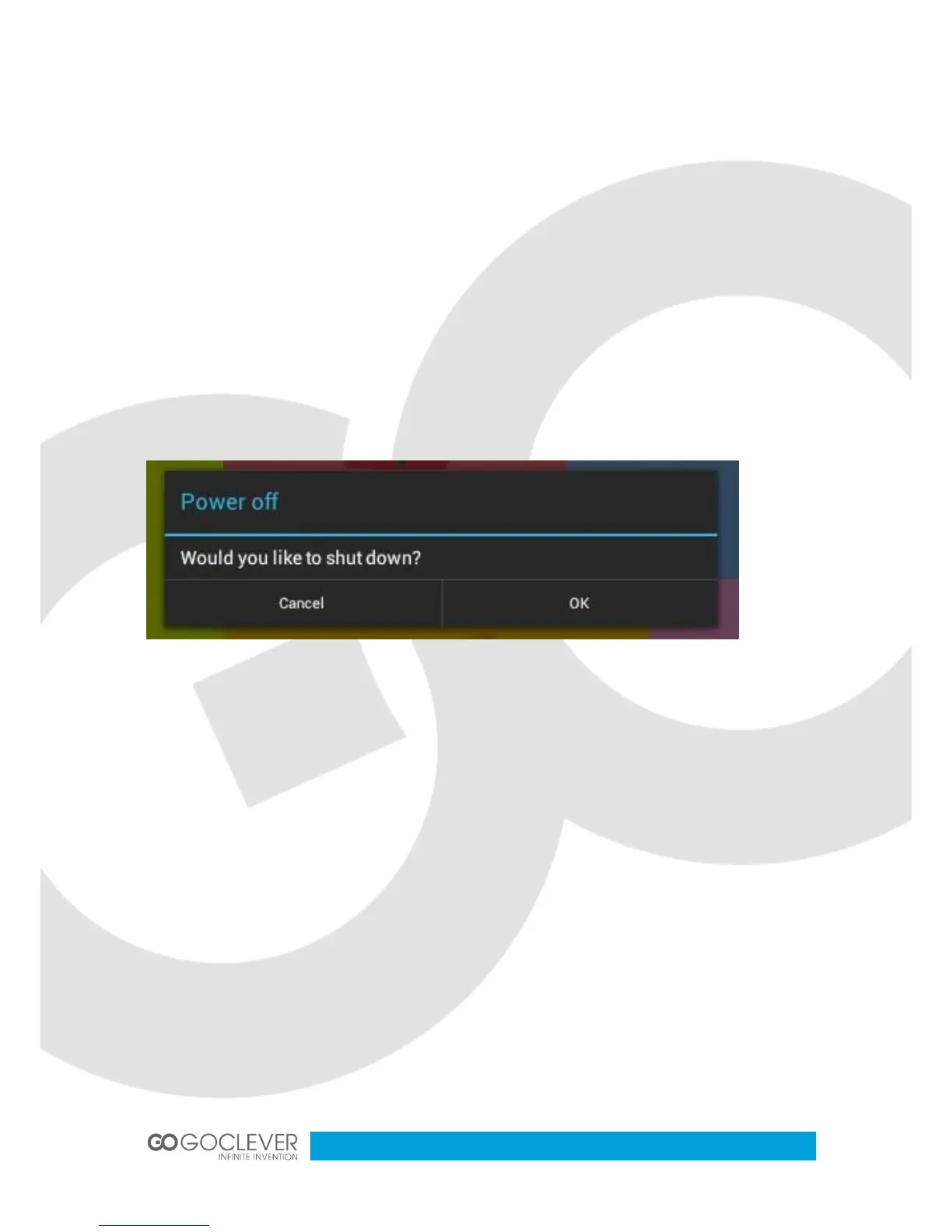
·Turn off: While on, press and hold the power button for 3 seconds, and select “
power off” from the pop up box.
(While on, press and hold the power button for 7 seconds to force turn off).
·Sleep: While on, press the POWER button once to enter sleep mode.
·Wake up: While in sleep mode, press the POWER button once to wake up.
5. Home screen
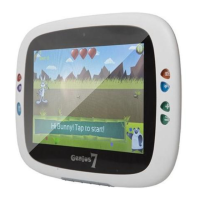
After starting up and logging into your individual account, you will see the IWIT kid
OS home screen. There are nine folders on the home screen used to store the many
different application programs for kids.


 To Next Page