make sure your internet connection is working before starting e
wizard.
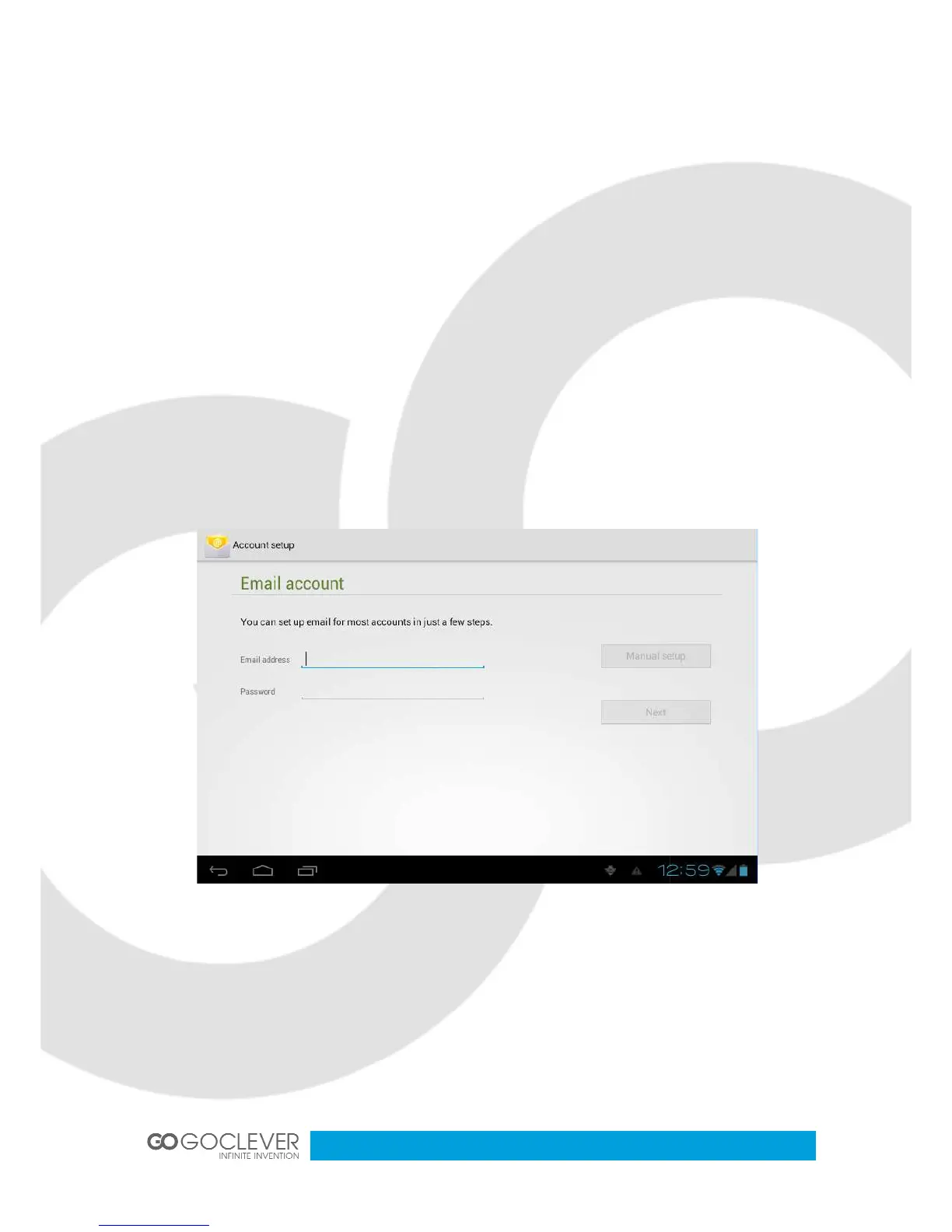
E-mail configuration wizard
Enter into main interface
Click email icon to start a
account address and password.
Click next button, choose your e
account name and the email sender’s name, click finish.
If the mailbox is available, it will enter into your in
make sure your internet connection is working before starting e
Enter into main interface
Click email icon to start a
account address and password.
Click next button, choose your e
-mail type (POP3 or IMAP).
account name and the email sender’s name, click finish.
If the mailbox is available, it will enter into your in
make sure your internet connection is working before starting e


 To Next Page