10
FAQ & Solutions
Q: The HDMI display doesn't display images:
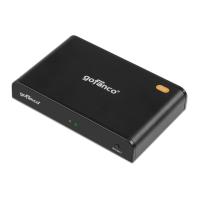
A: Check the LED indicators' status to make sure all
connections are connected properly.
If the status is abnormal, check the followings:
1) Whether the power adapter is connected to the
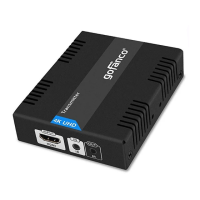
Transmitter (TX) or Receiver (RX) securely.
2) Make sure the Network cable (CAT5e/6/7) is firmly
connected between TX and RX.
3) Make sure the HDMI cables are securely connected.
- Between the HDMI source and the TX.
- Between the HDMI display and the RX.
Q: The LED Indicator (3) is flashing and there is no image
on the HDMI display:
A: Check if the HDMI display has been switched to the right
HDMI input channel.
Q: The Link LED (2) is flashing and LED Indicator (3) is off:
A: 1) Check whether there is HDMI signal from HDMI source
2) Check whether the HDMI cable is securely connected
between the RX and HDMI display.
Q: The HDMI display is flashing and having disturbance.
A: Try other HDMI cables to connect the HDMI source
to the TX.


 To Next Page