2.How to enter into operate system ?
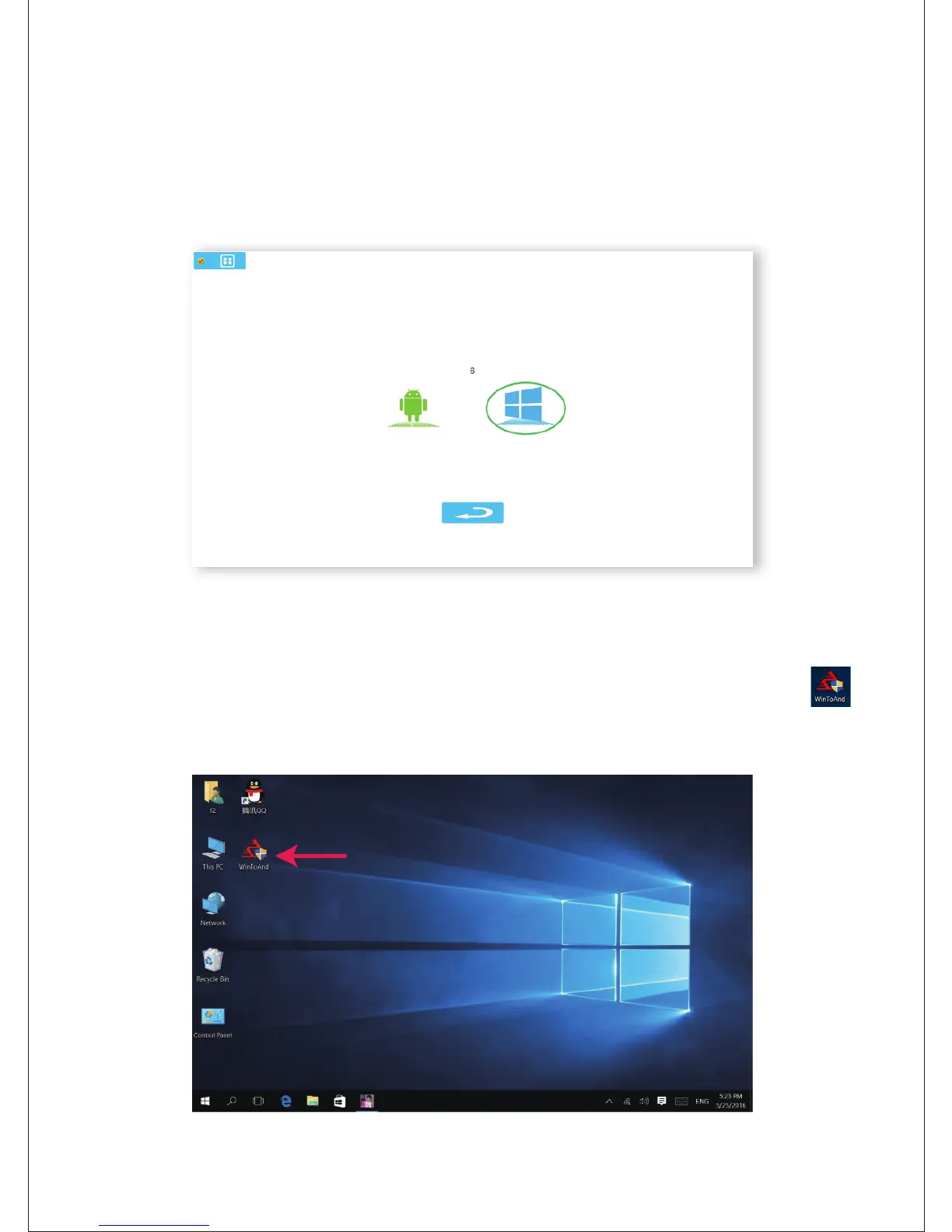
After you boot the device, the device will display below menu,
you can choose anyone OS Android or Windows.
3.Windows 10 OS
a.On the desktop of Windows 10, click the icon “WintoAnd ”
to switch to Android OS, like as below.



 To Next Page