4. Course Updates
4.3. Course Download
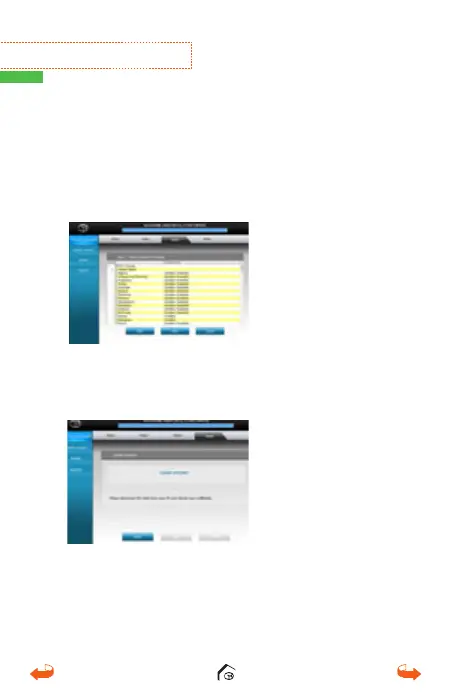
Select the desired country/state that needs to be
updated. Click “Next” and a pop-up screen with the
“Newly Updated Only” option will display. Click “Ok”
to proceed and to update courses.
Once the courses have been downloaded, the message
“Update Complete” will appear. It is now safe to
disconnect your GolfBuddy unit and power off your unit.
※
How to View Demo
In the main screen, press the mark button and the power
button to access the Demo Mode.
01_0205VT3 manual (영어).indd 24 14. 2. 13. 오후 5:28



 To Next Page