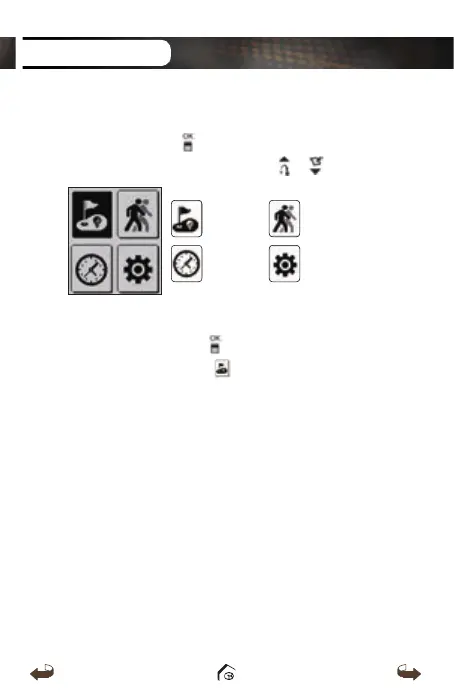
1.4. Main Menu
Press and hold the button to view the Main Menu
and it can be navigated by using the / button.
PLAY GOLF GPS TRACKING
TIME SETTING
■
Switching to Play Screen
Press and hold the
button from the default
screen then select the icon to switch to the play
screen. After WT3 connects to the satellite, it will
recognize the nearest Golf Course and provide the
Course/Hole information.
GETTING STARTED
WT3_Manual(영어).indd 12 13. 9. 25. 오후 2:11



 To Next Page