2.3. Setting
Press and hold the button for the menu.
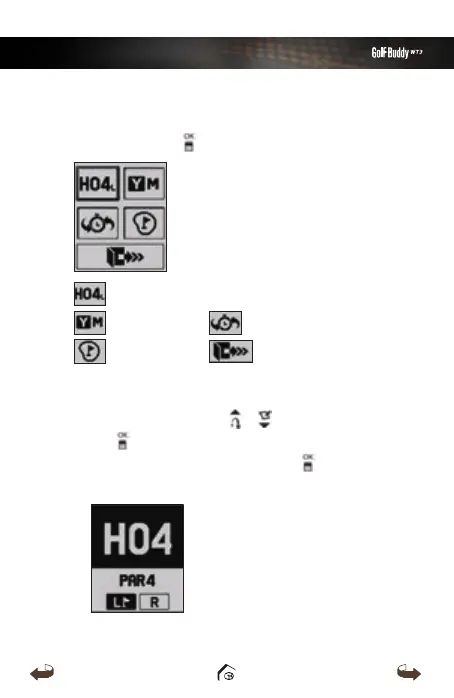
Hole Selection/ Left & Right Green Selection
Pin Placement
Exit
Yard / Meter
Previous Hole Selection
■
Hole Selection/ Left & Right Green Selection
Navigate by using the
/
buttons and press
the button to select the Hole. Select between
left/right green then press the button to
complete the selection.
WT3_Manual(영어).indd 15 13. 9. 25. 오후 2:11



 To Next Page