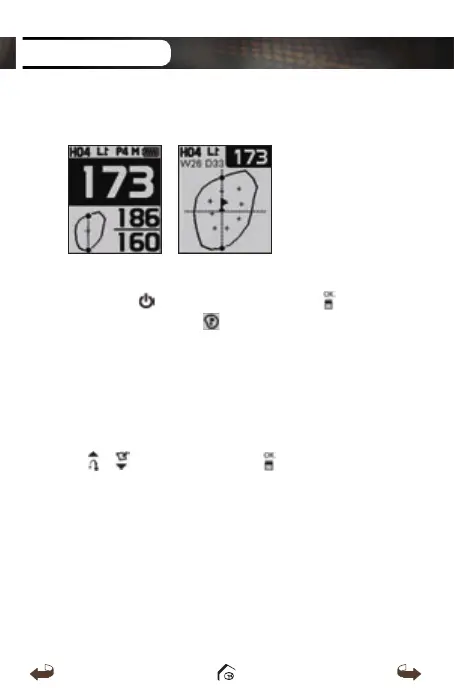
3.1 Dynamic Green View / Pin Placement
■
Dynamic Green View
Press the
button or press and hold the button
then select the icon to proceed to the Dynamic
Green View. Dynamic Green View will allow you to
always get the Front/ Center/ Back distance to the
green from your angle of approach.
■
Pin Placement
You may also change the Pin placement by using the
/
buttons then press the button to go back
to the Play Screen.
ADVANCE OPERATION
WT3_Manual(영어).indd 18 13. 9. 25. 오후 2:11



 To Next Page