ADVANCE OPERATION
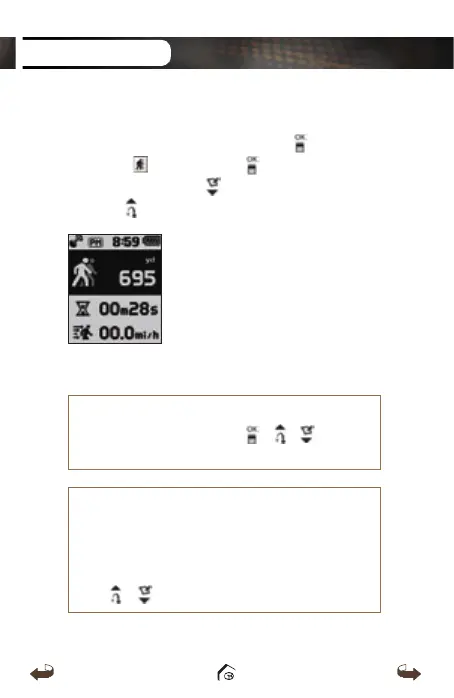
3.4. GPS Tracking
While on Watch mode
screen, press the button then
select the icon. Press the button to start the
recording and press the button to delete the record.
Press the button to switch between Yard / Meter.
※
HOW TO RESET
To reset the device, press the
/ / buttons
at once to restart the system
.
※
HOW TO VIEW DEMO
To view demo when the GPS satellite signal cannot
be reached indoors, select Play mode and the
satellite reception screen will appear. Press and
hold
/ buttons at once
.
WT3_Manual(영어).indd 20 13. 9. 25. 오후 2:11



 To Next Page